Campaign Intelligence
What should the next run change?
Follow the response past the first interaction: clicks, video plays, conversions, page flow, and drop-off, traced back to the assets and locations behind it.
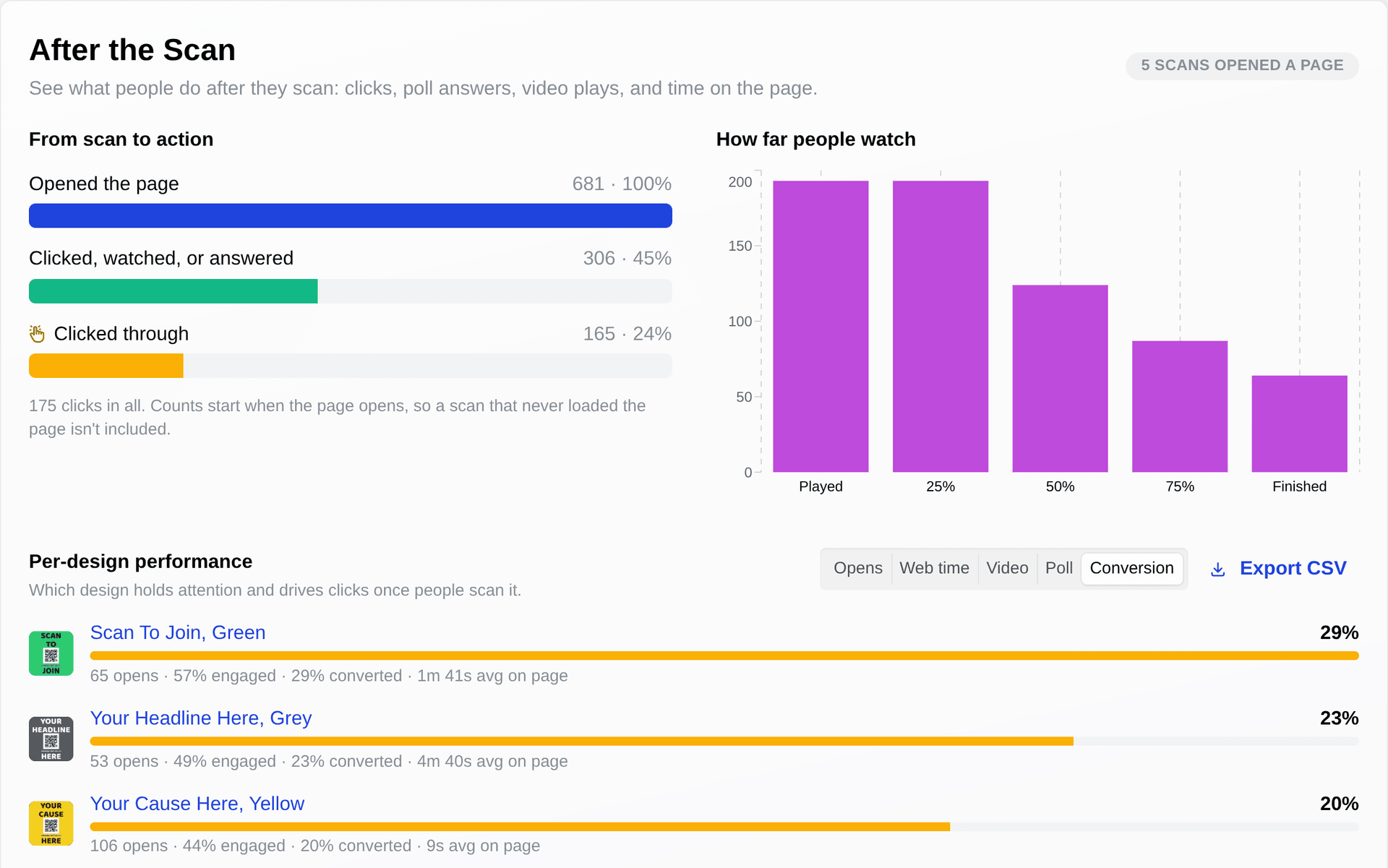
“They scanned and played the video. How far did they get?”
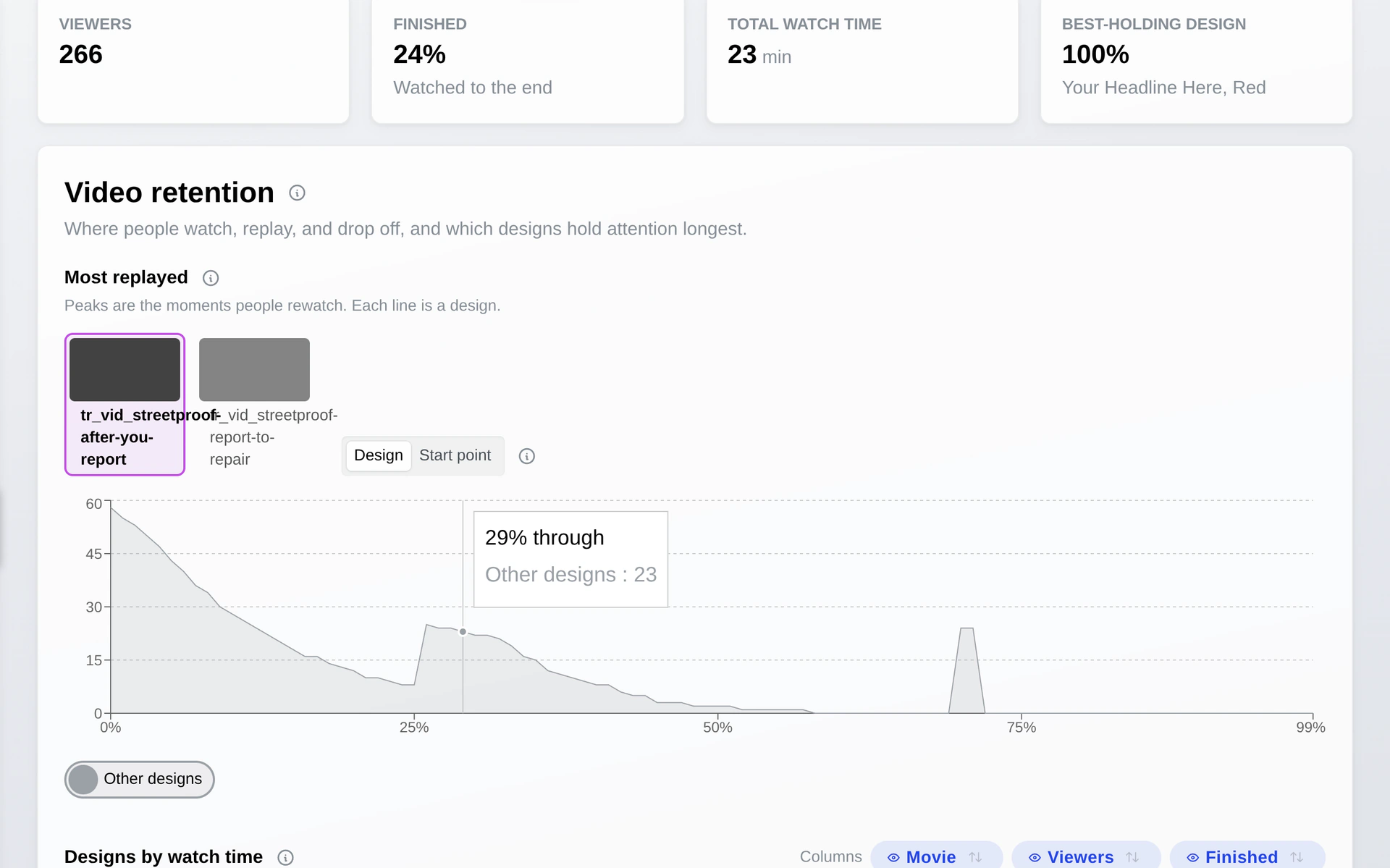
See the moment people replay
When your landing page carries a video, the replay curve runs its full length. Tall peaks are the moments people rewind. A dip is where they stop watching.
- Which moment people replay
- Where viewers drop off
- Which asset holds attention longest
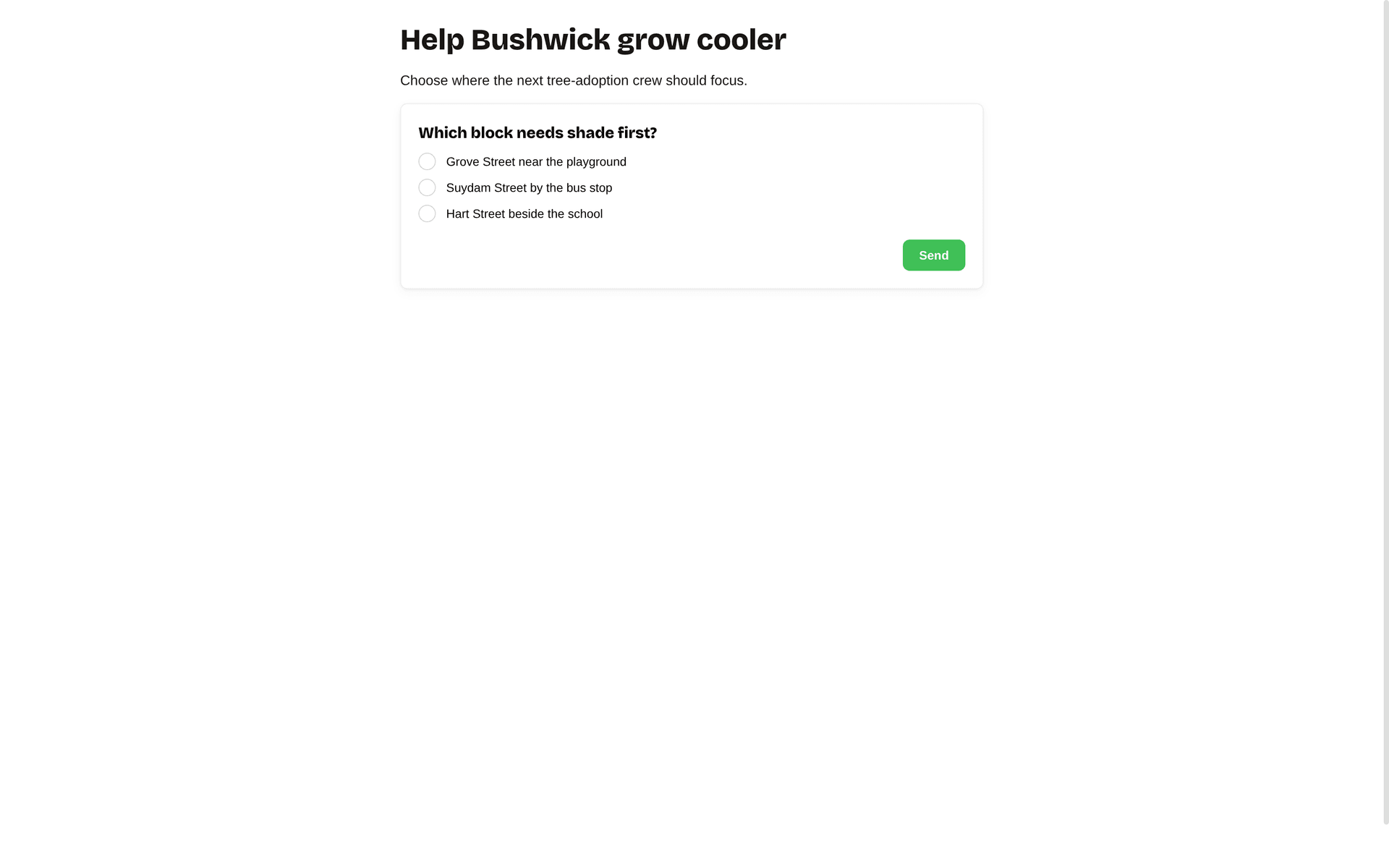
“What does the design make people think?”
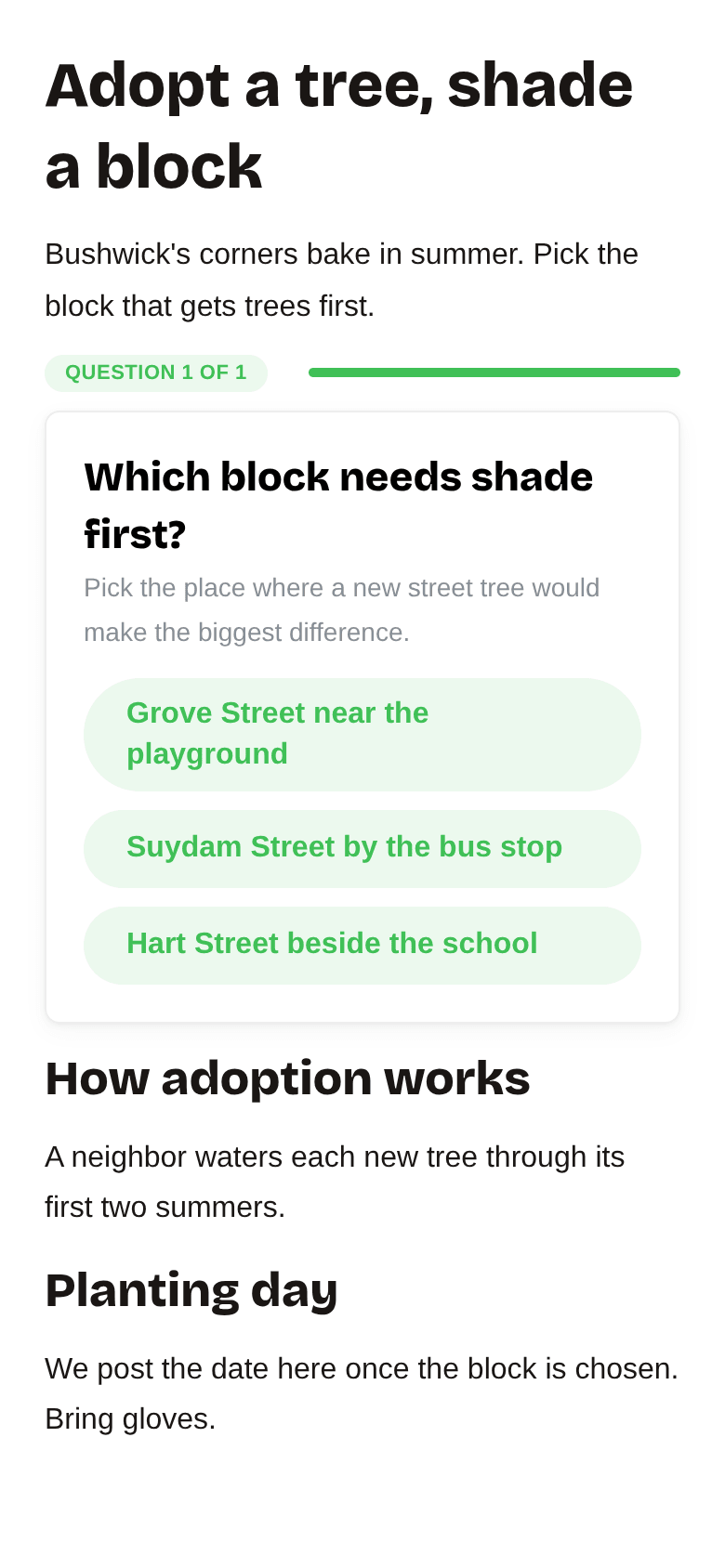
Ask your audience right on the landing page
Drop a question onto the landing page people reach from a scan or short link. They tap an answer, the bar fills, and you read how the crowd is leaning. Each response ties back to the asset and place that sent them there.
- Image-tile or text questions, your wording
- Live results as answers come in
- See how each asset and location answers differently
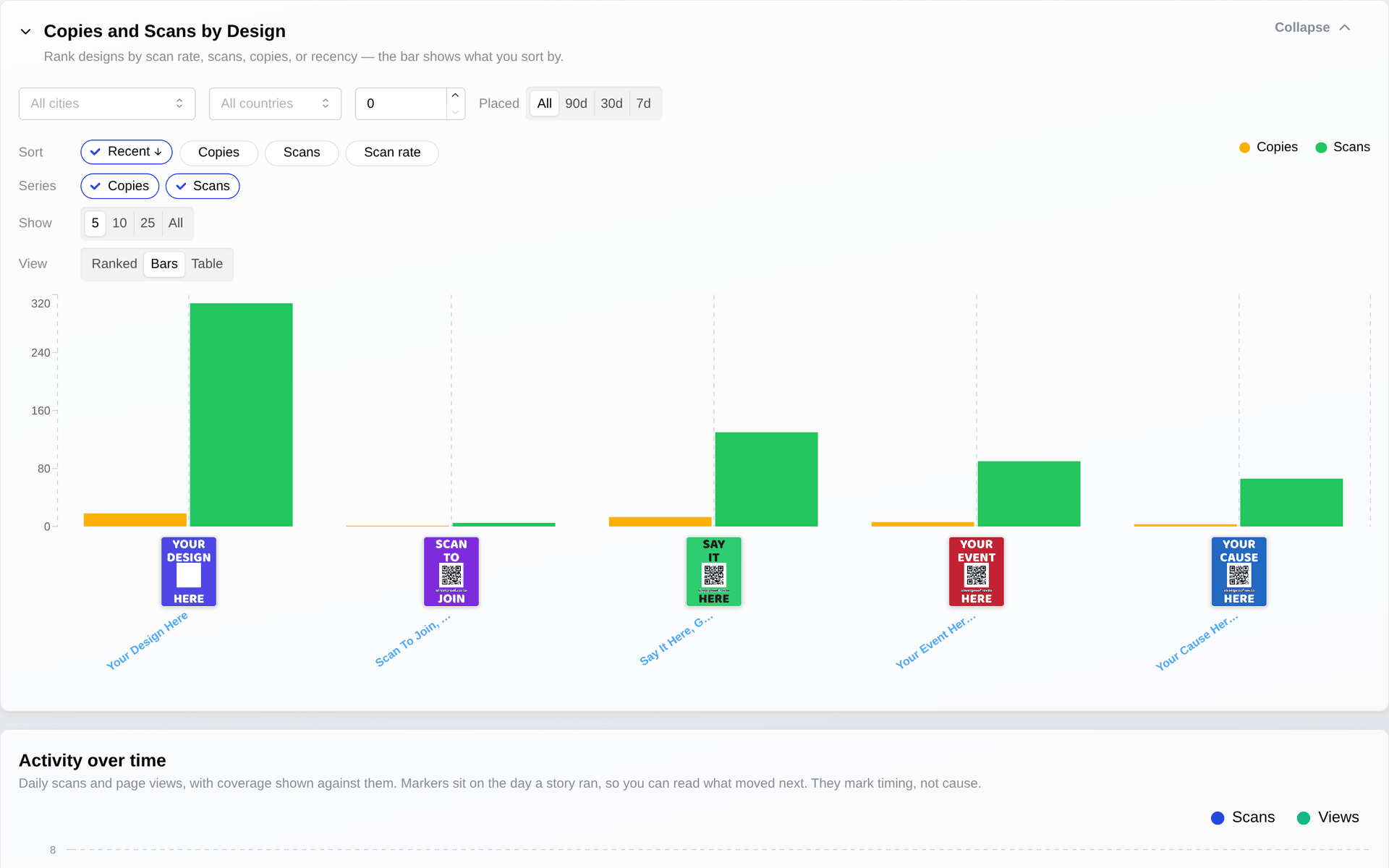
“Which assets and location types are getting results?”
Put the numbers side by side
Build a dashboard, set alerts, and share it with whoever needs the numbers.
- Which location types draw the most response
- Which assets hold up across sites
- Which ones go quiet
“Running multiple campaigns at once?”
Compare across campaigns and location types
Build the query, share the dashboard. Filter by:
- Campaign
- Location category
- Time period
- Asset template
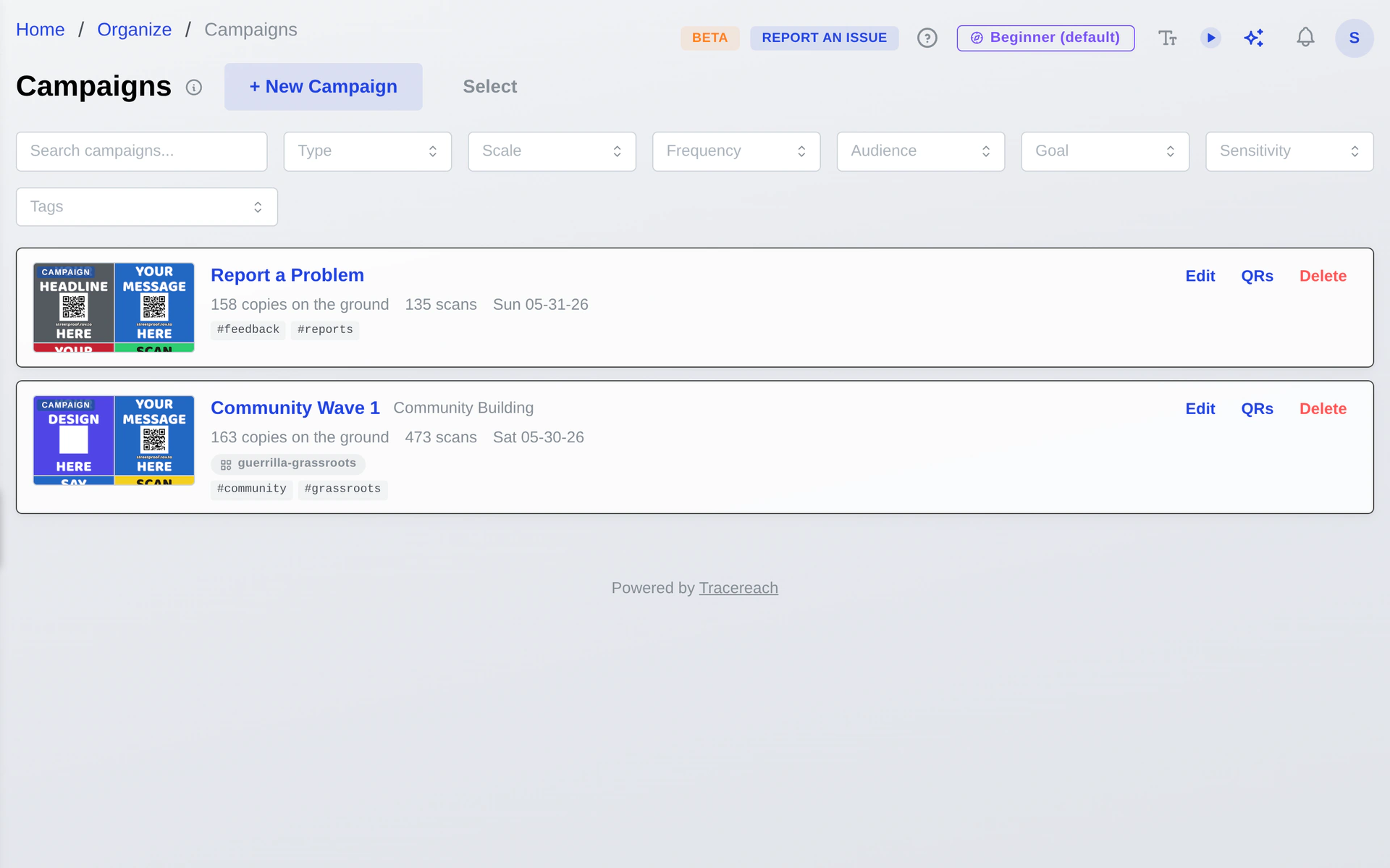
“When did each campaign go up?”
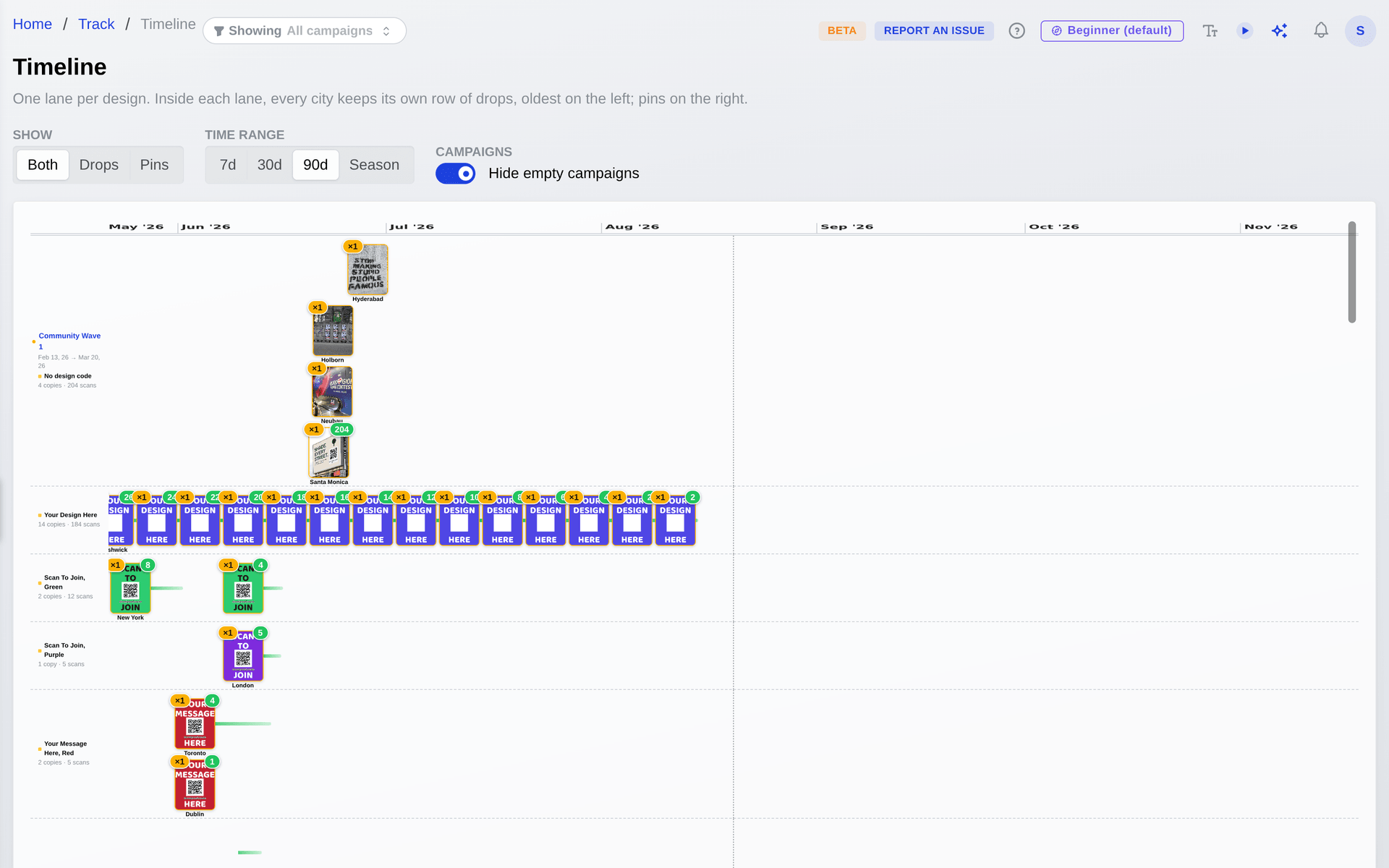
See your drop cadence over time
One lane per design, with a row for each city. Drops line up by date, oldest on the left; the spots still waiting sit on the right.
- Catch bursts and quiet stretches at a glance
- See which spots are oldest and still due
- Scope to 7, 30, 90 days or the full season
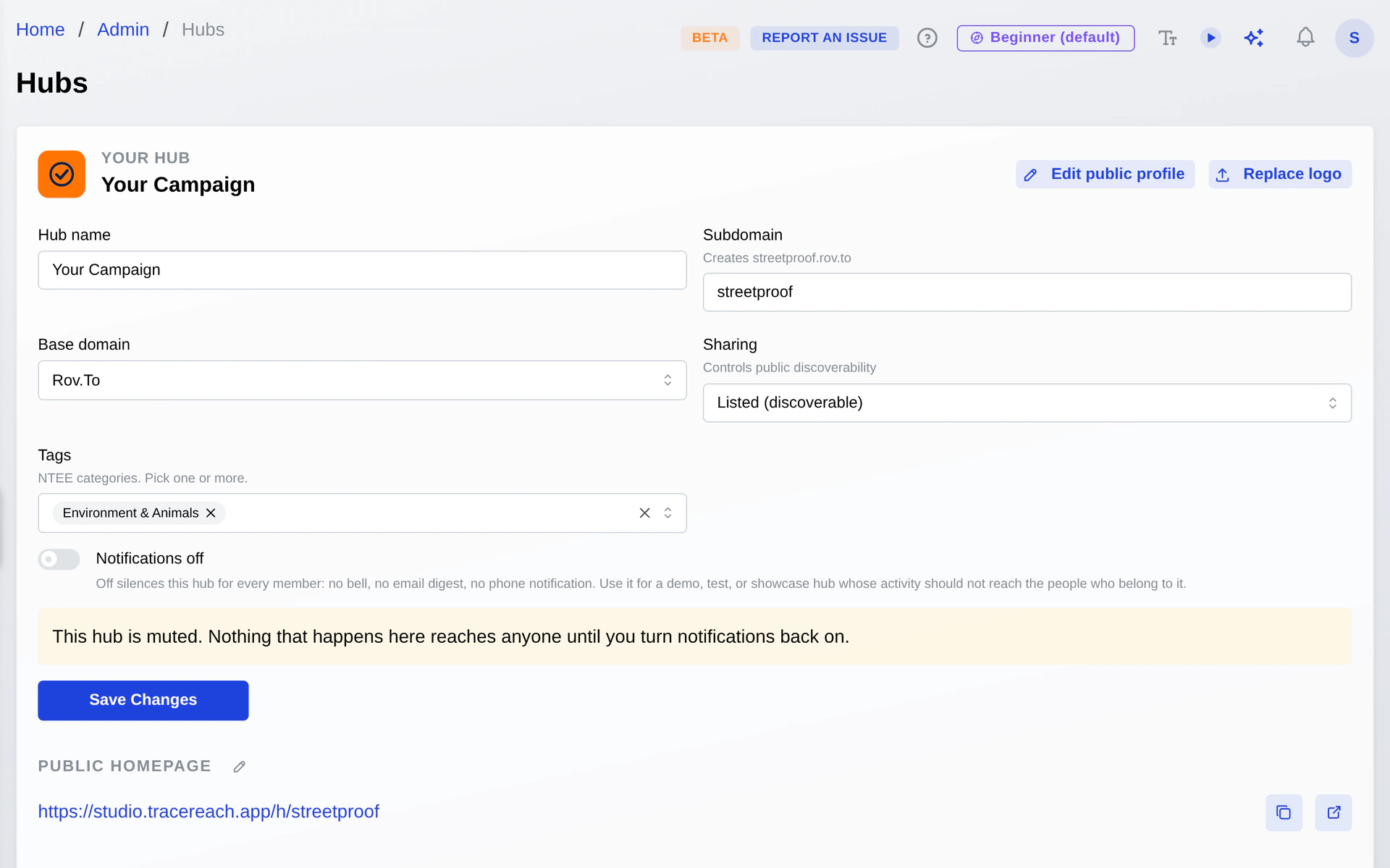
“Sharing data across partner hubs”
Collaborate across hubs
Partners see what they need. Works for one team or twenty.
- Share campaigns across hubs
- Share templates and analytics
- Role-based access per hub
The assistant
Describe the campaign, get it built
The two messages below put a campaign, a poll, and the landing page beside them on a plan. You preview each change, then Apply writes them together.
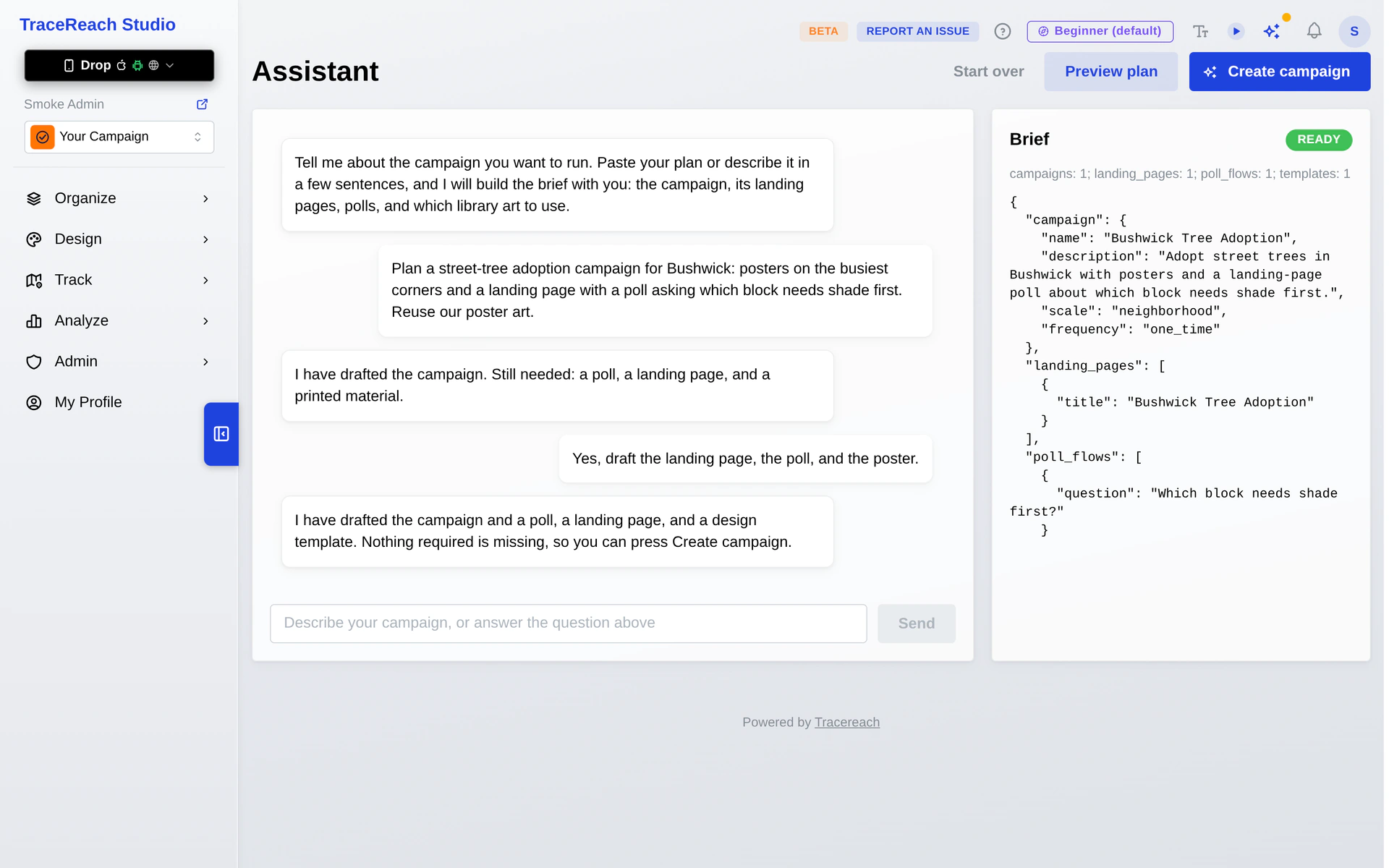
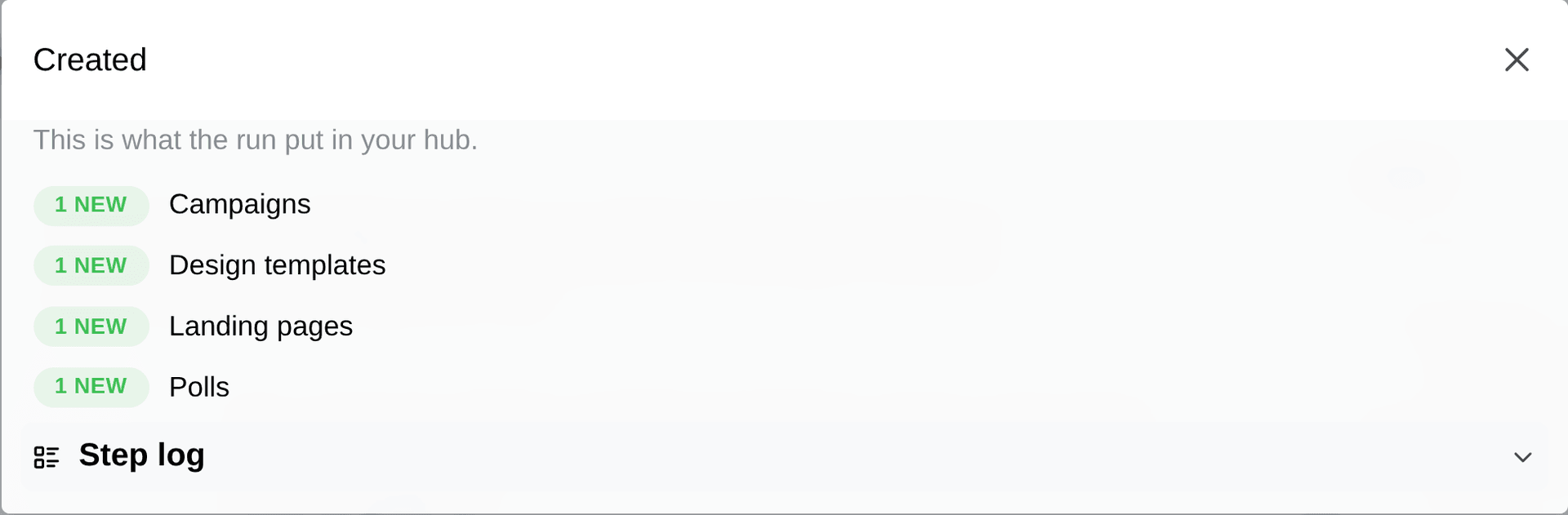
The assistant reads your hub with your own access and answers questions from what is live. Conversations stay on infrastructure TraceReach operates, and landing pages keep restorable version history.
TraceReach is operated by TraceReach LLC.
Start with one full campaign loop.
Plan locations, assign crews, verify the work on the ground, and compare the response the campaign got.