For print campaigns
Dynamic QR codes you can edit after they are printed.
Print one code and keep control of where it goes. Change the destination whenever the campaign moves, and each scan still traces back to the design, the place, and the day it went up.
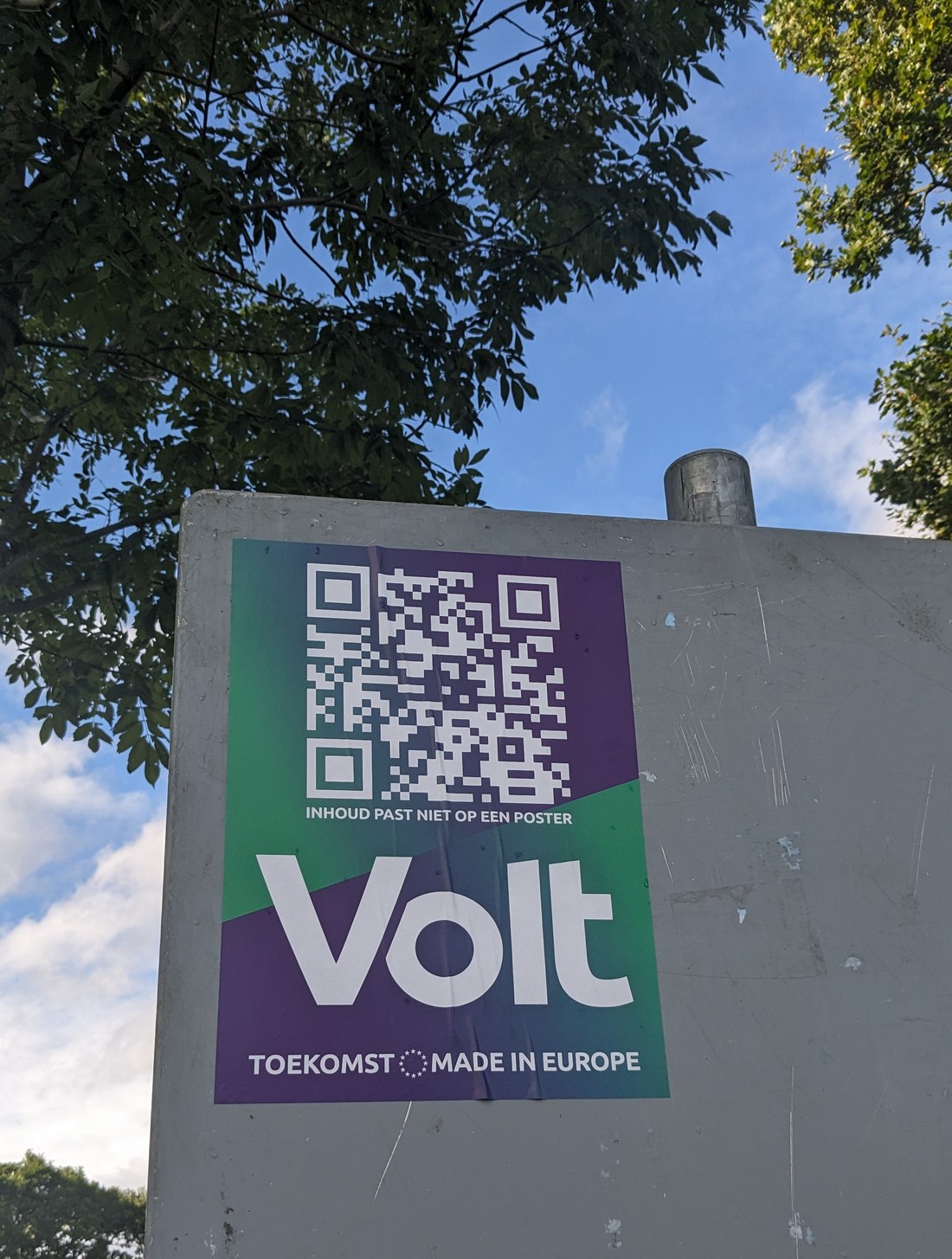
Photo by Kate Trysh (Unsplash License)
A dynamic QR code points at a short link you own, so the printed code stays the same while you change where it sends people. A static code locks to one destination the moment it prints; a dynamic one stays yours to edit. TraceReach gives each generated code that dynamic destination and records the scan against the campaign behind it.
Placing the code
Put the code where it belongs on the design.
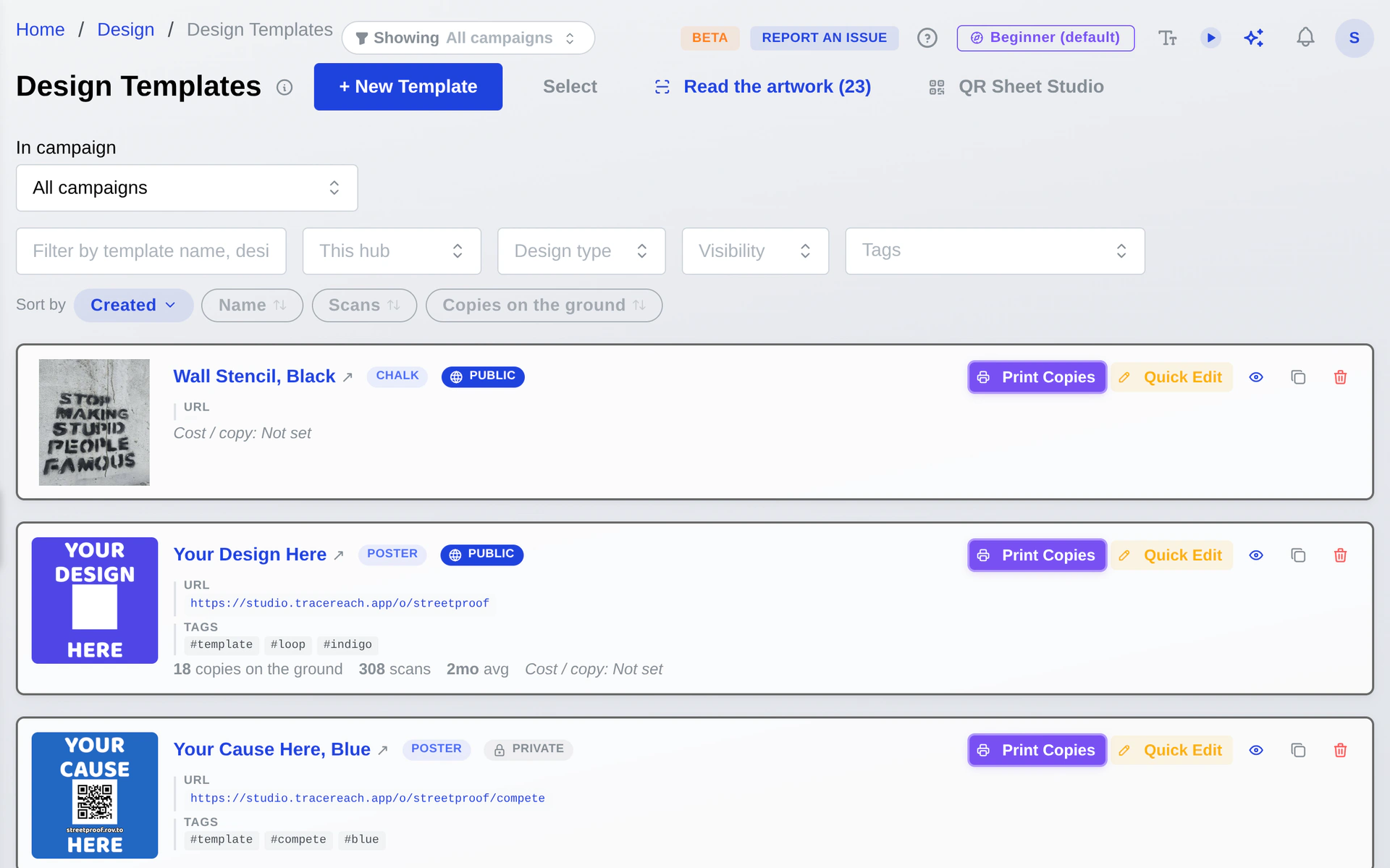
Open a design in Studio, add a code, and drag it into place on the artwork. Size it so it scans from where people stand, turn it to sit with the layout, and print the readable address under it for the people who would rather type than scan.
Print copies from the same screen and each one carries its own code, so a scan reads back to the design it came off and the place that copy went up.
“Printed already. Need it to point somewhere else?”
Repoint the code without reprinting
Edit the destination in Studio and the next scan goes to the new page. Fix a broken link, swap in this week's event, or point the code at your latest Instagram post, kept current as you post so the code always opens your newest one. It all works on codes already stapled to poles and taped in windows. The printed code never changes; the page behind it does.
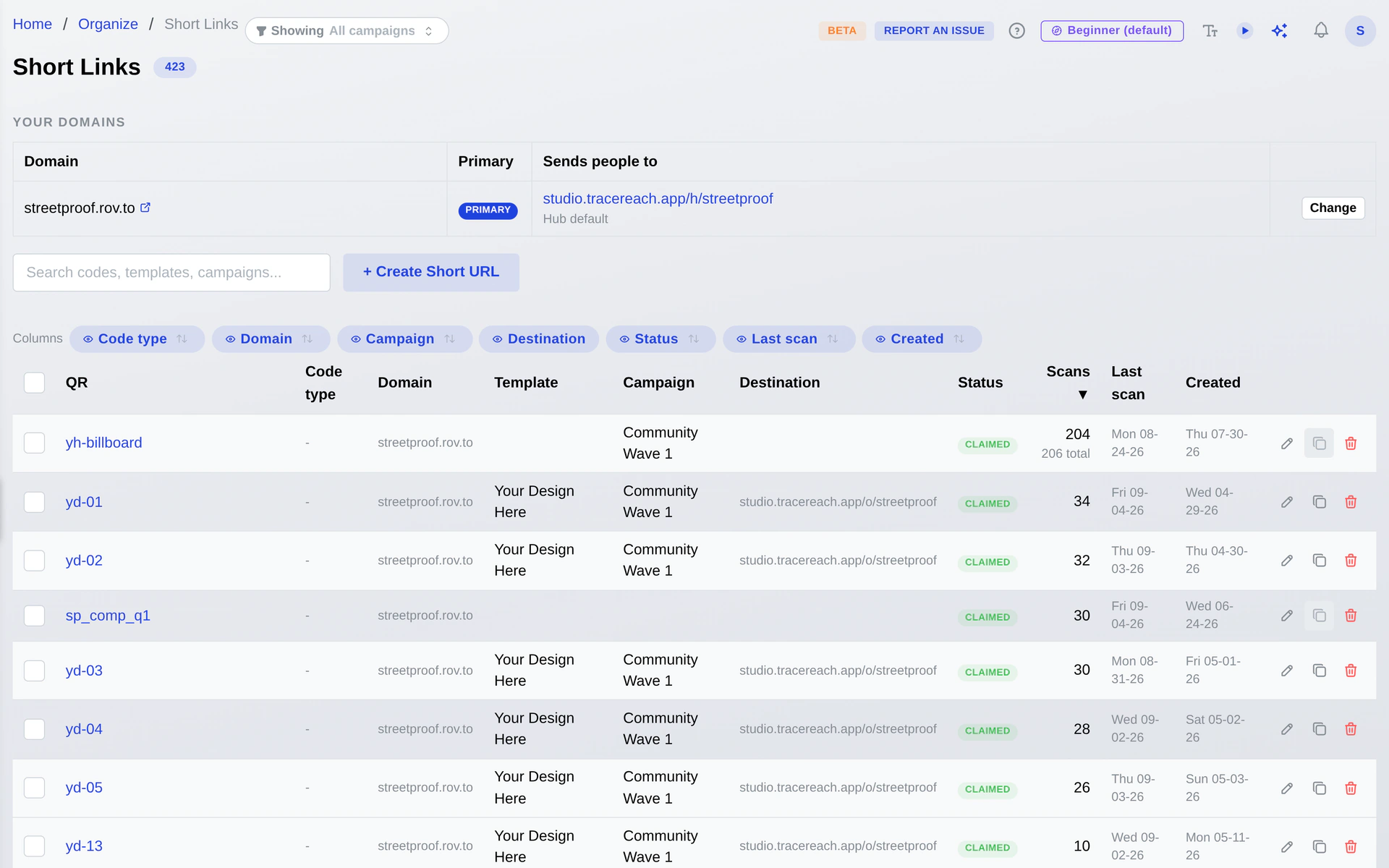
“Where did each scan come from?”
Each scan traces back to the design and place
A dynamic QR code carries a unique short link, so a scan tells you which design, which place, and which campaign it came from. Read the counts in Studio, then open the full scan analytics for design-vs-design and location comparison.
See the full scan analytics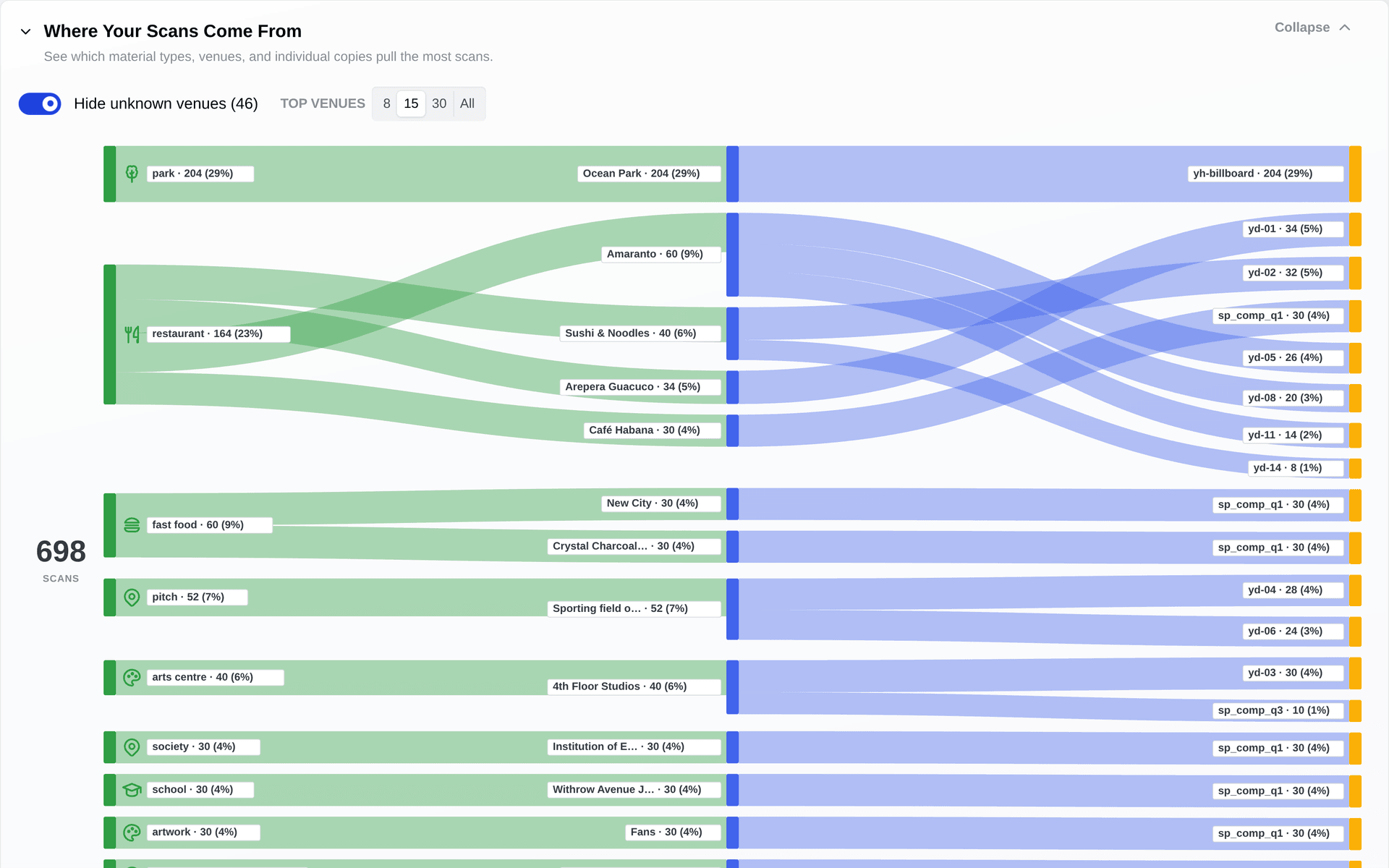
Custom short links
The short link under the code is yours to name.
The link your code opens
yourhub. cues.at/shortlink orgs.at/shortlink actfor.us/shortlink rov.to/shortlink
You choose both halves. Your hub gets its own subdomain on one of four short domains, and you name the tail, so a branded short link reads as your campaign on the poster and in a browser bar. Set the domain once for the hub, or give one design or one link its own.
Studio checks a name is free before you claim it, and the same link works whether someone scans the code or types the address off the print. Repointing the destination later leaves the printed link alone.
“One code for the run, or one per piece?”
Generate a batch, keep them all editable
Make one dynamic code for a whole campaign, or a unique code for each poster, sticker, and flyer. Point them at one page or many, tag and group them, and change any of them later. Each stays editable and trackable for the life of the campaign.
Location-based landing content
Show each city the page keyed to where the material hangs.
When a crew member logs a drop, TraceReach records the city, region, and country where that poster or flyer physically went up. The page behind its code can then name the local action, the local date, or the local partner for that place. One design and one code cover every city, and each printed piece opens the version keyed to where it hangs.
The same poster shows the same page to everyone who scans it, and a copy of that design across town shows its own city's version, because the content follows where the material is, not who is looking or what their phone reports. Ordinary dynamic codes guess the visitor's location from an IP address or device, and a VPN can move that in a second. TraceReach keys the page to the drop you logged, so a code with no registered drop shows your default page.
A dynamic code is the start. See what each scan does next, and prove the material went up in the first place.
Put a dynamic QR code on your next print run.
Open your own private workspace today, no invite needed. Bring your whole team on when you want a public campaign.