Campaign operating system
Real-world campaign infrastructure,
from idea to public response.
Describe a campaign, and the AI assistant drafts its designs, pages, polls and crew routes. Then see where each piece went up, how long it stayed, what was written about it, and what people did when they scanned.
Get TraceReach Drop for your crew
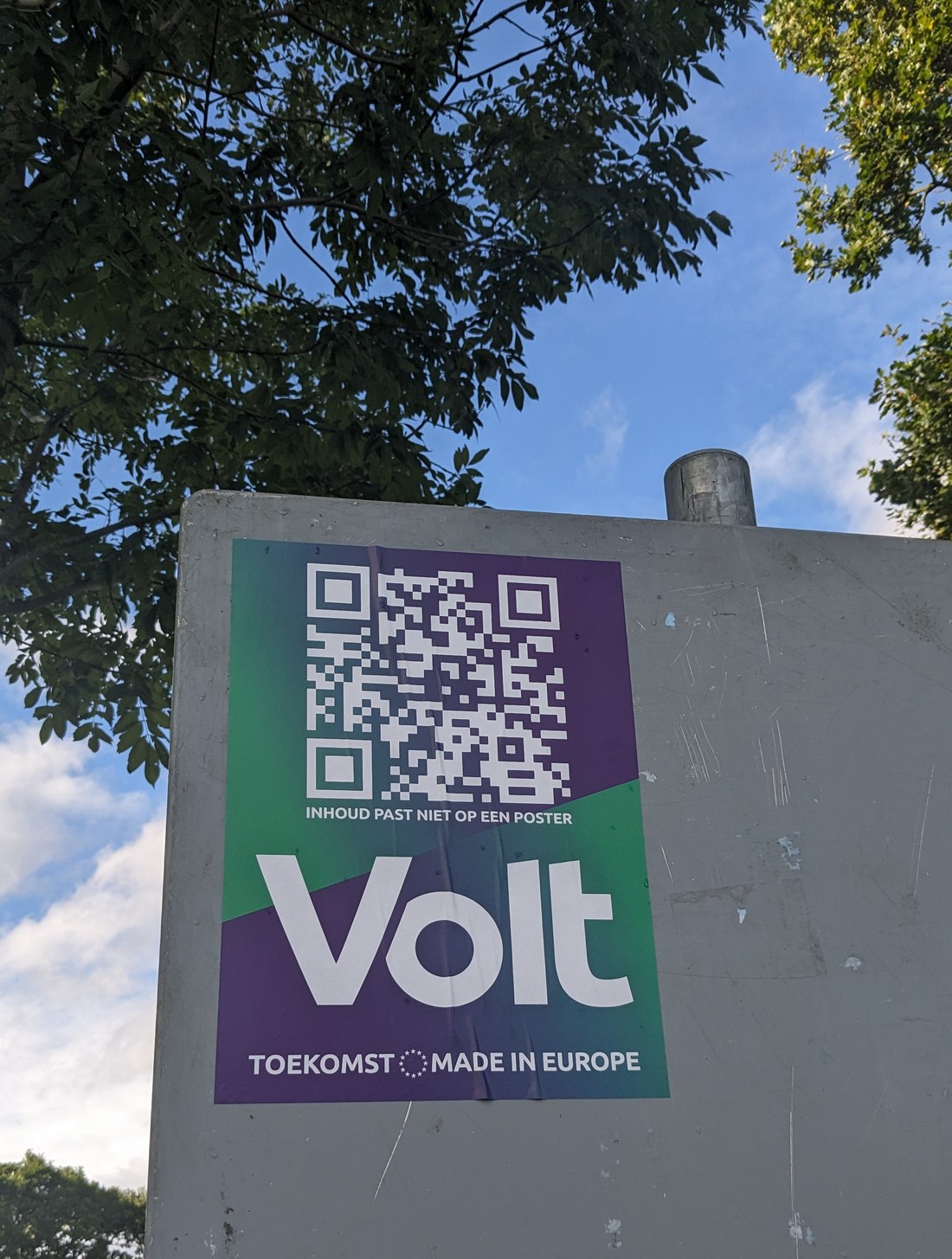
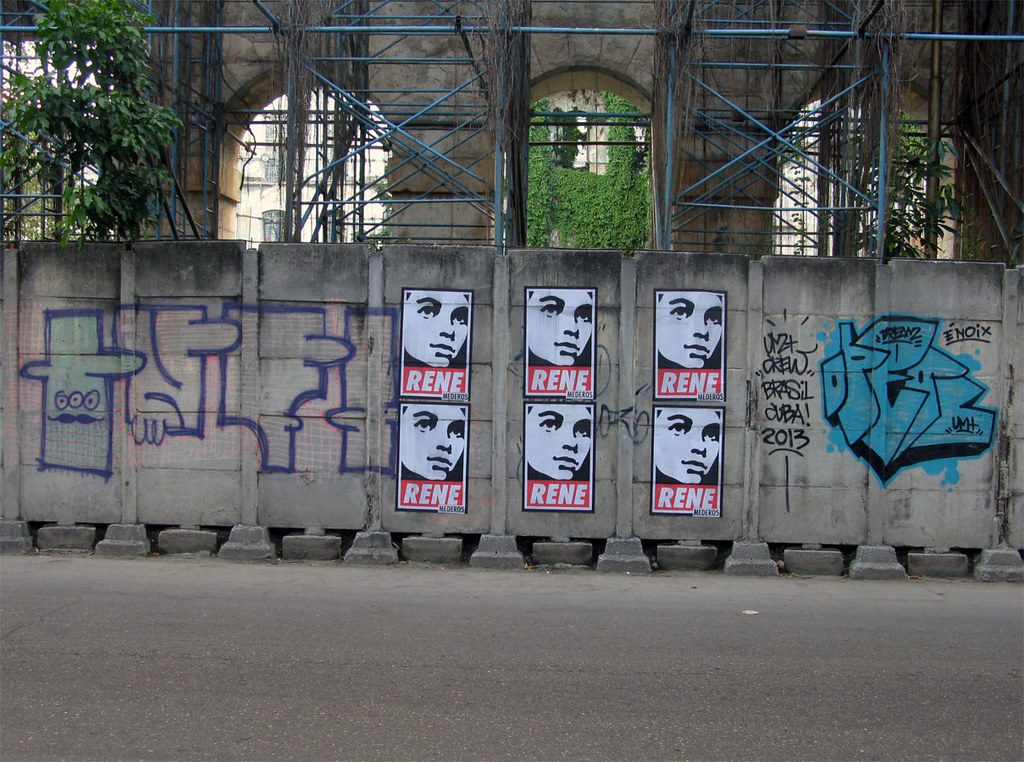
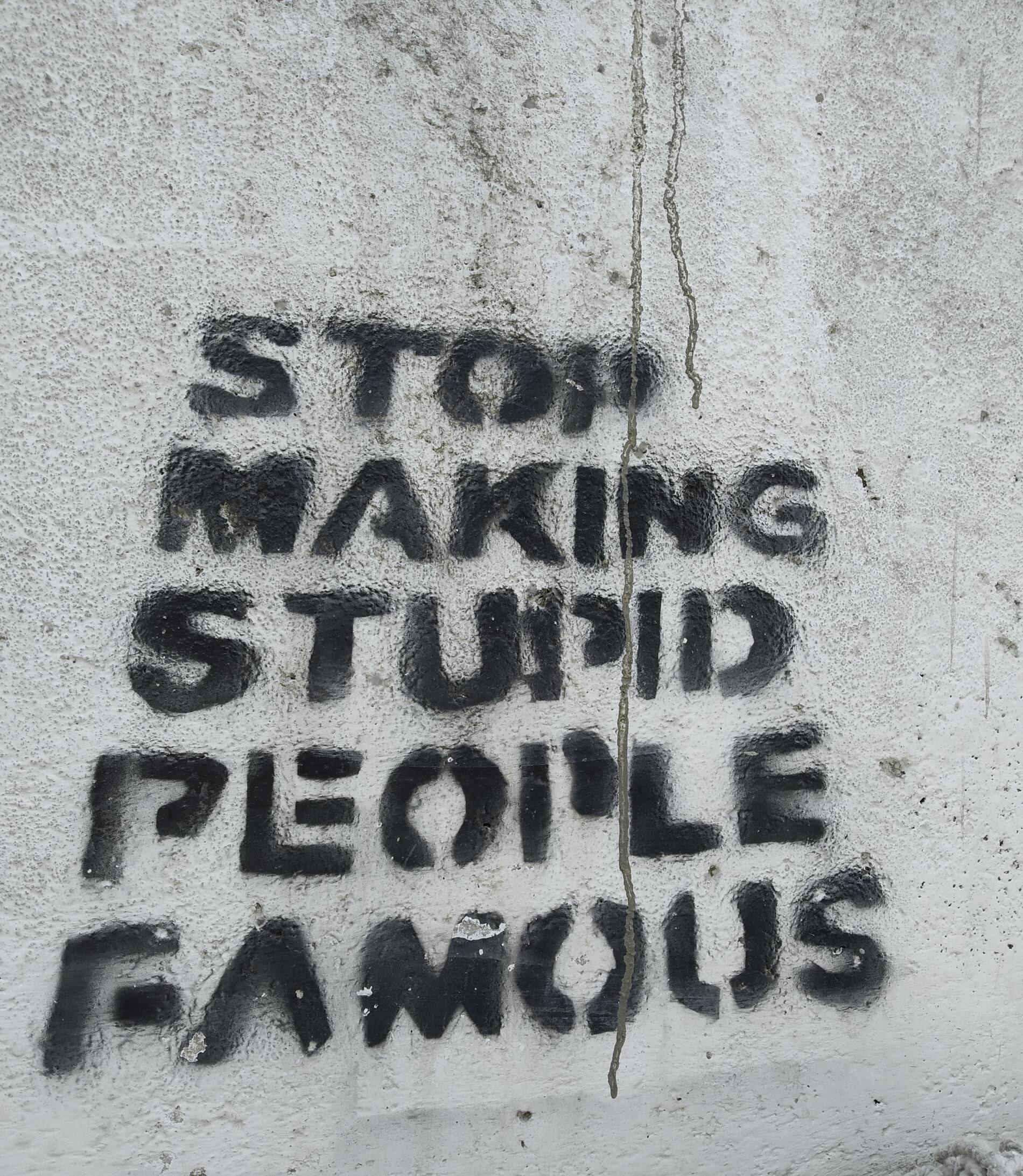

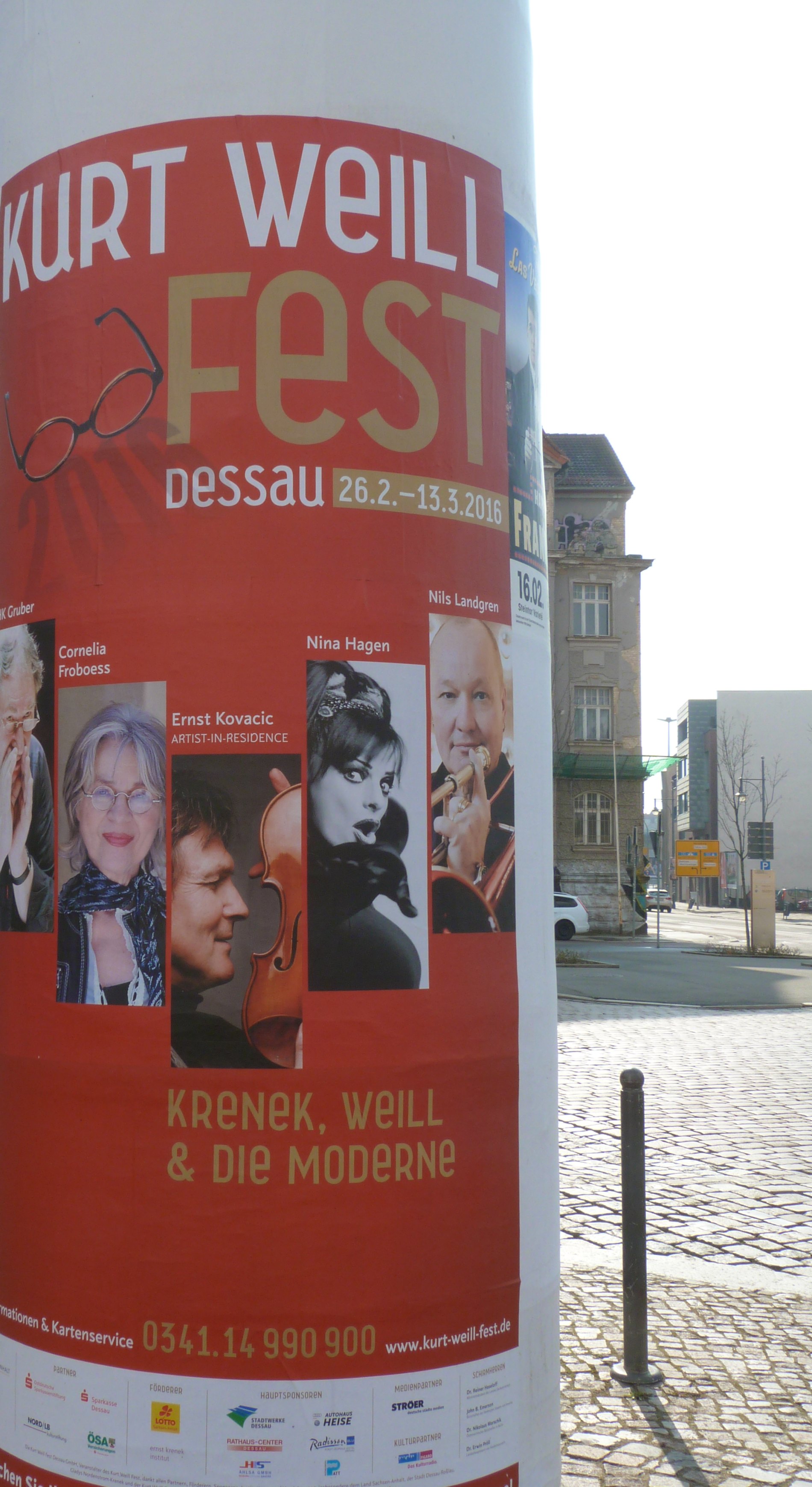
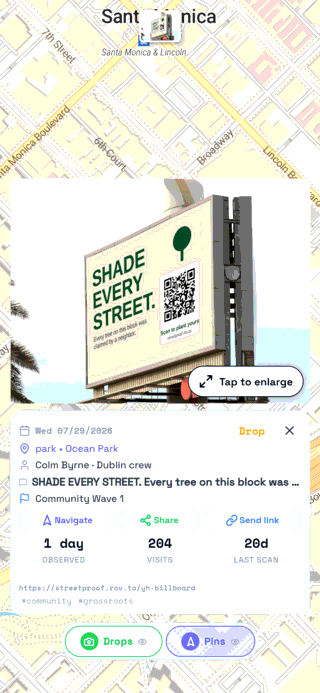
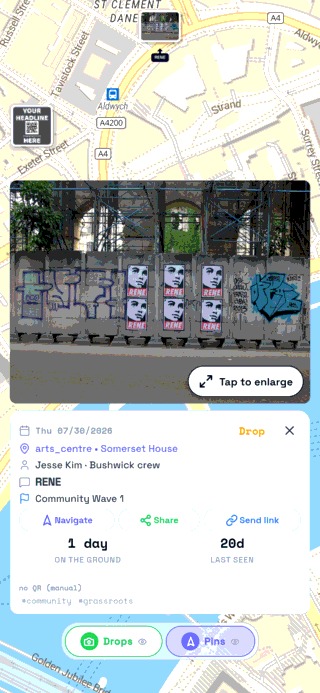
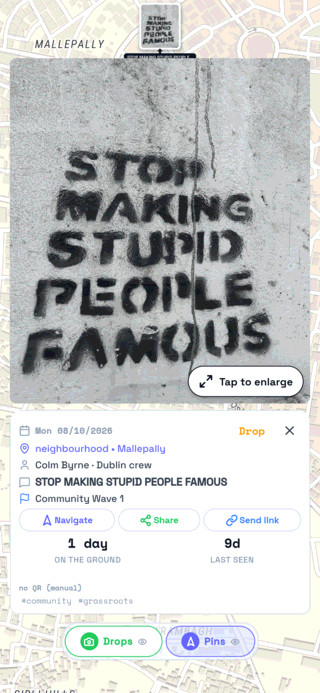
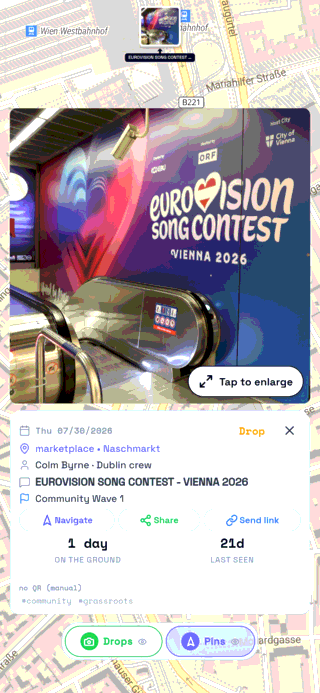
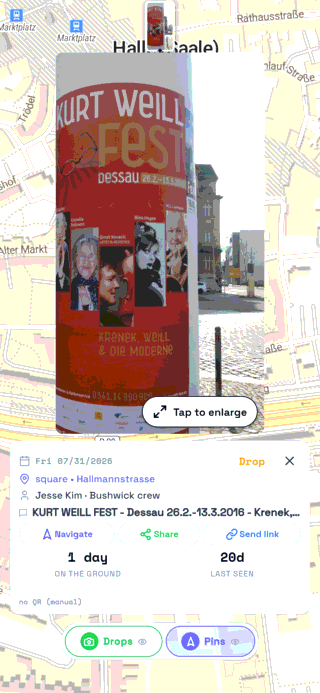
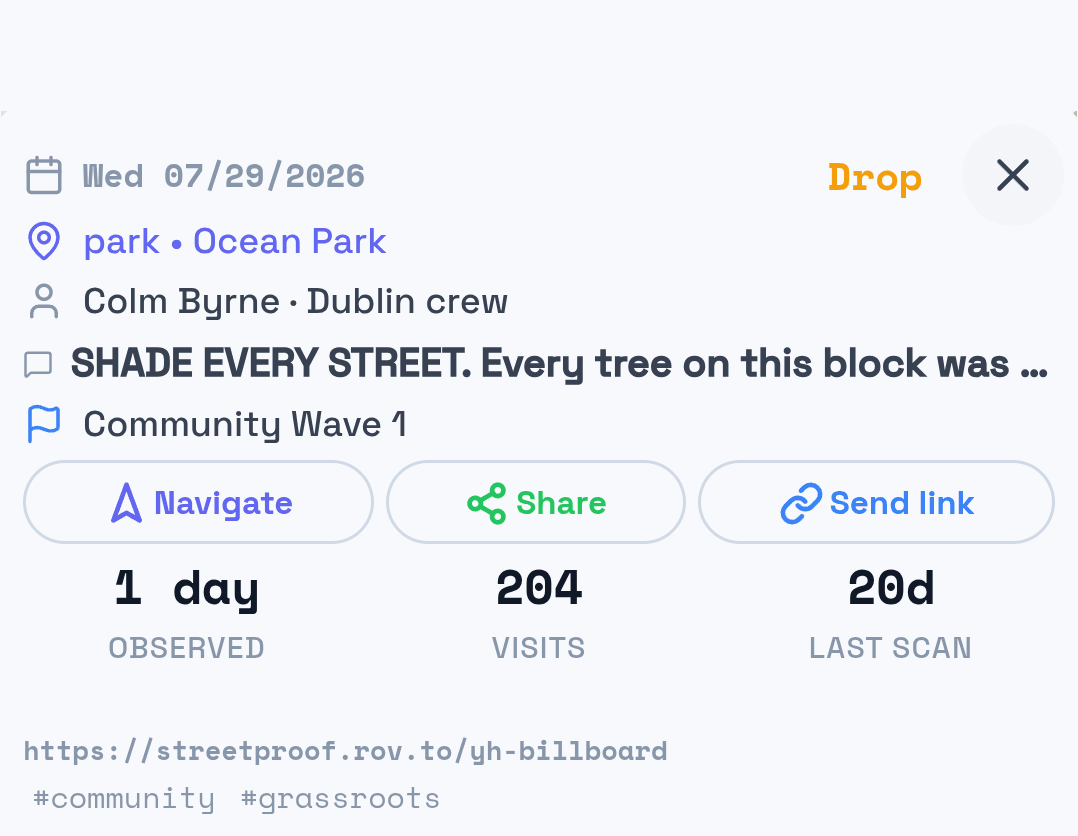
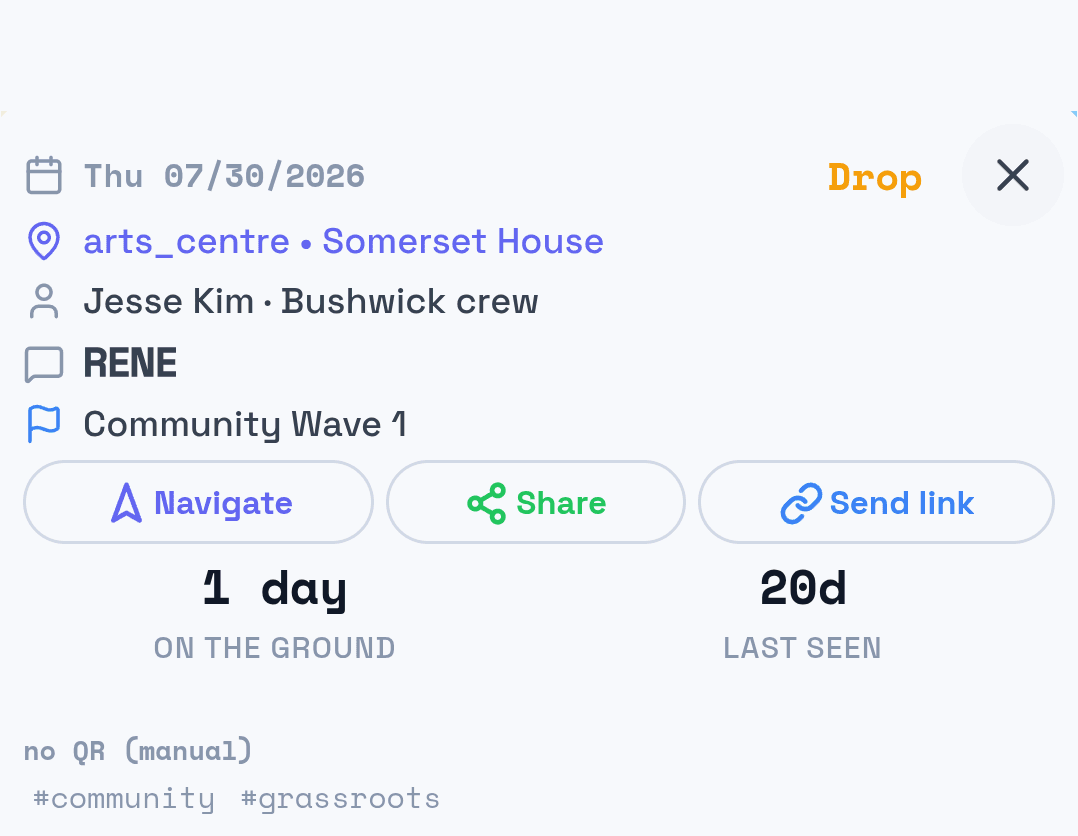
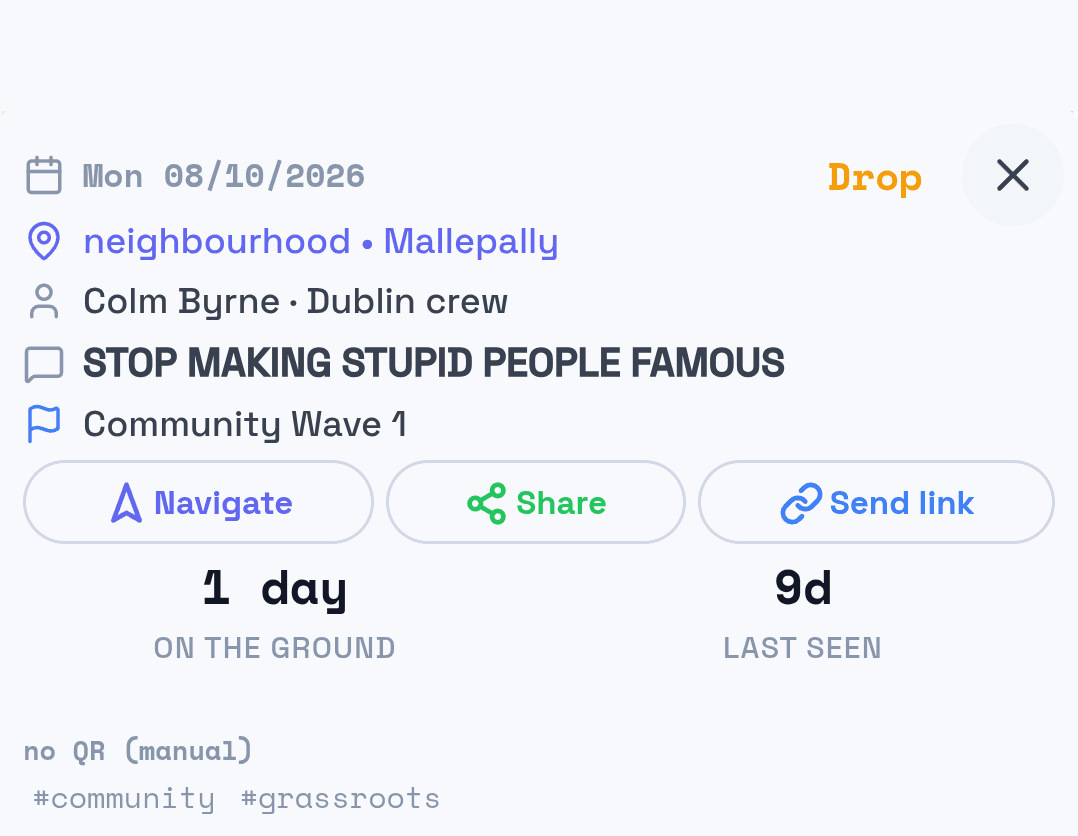
Street photos: Kate Trysh (Unsplash License), Poster Boy NYC (CC BY 2.0), Muzammil (CC BY-SA 4.0), Nurken (CC BY-SA 4.0), Catatine (CC BY-SA 3.0)
Explore the map
Picture your next campaign in your city.
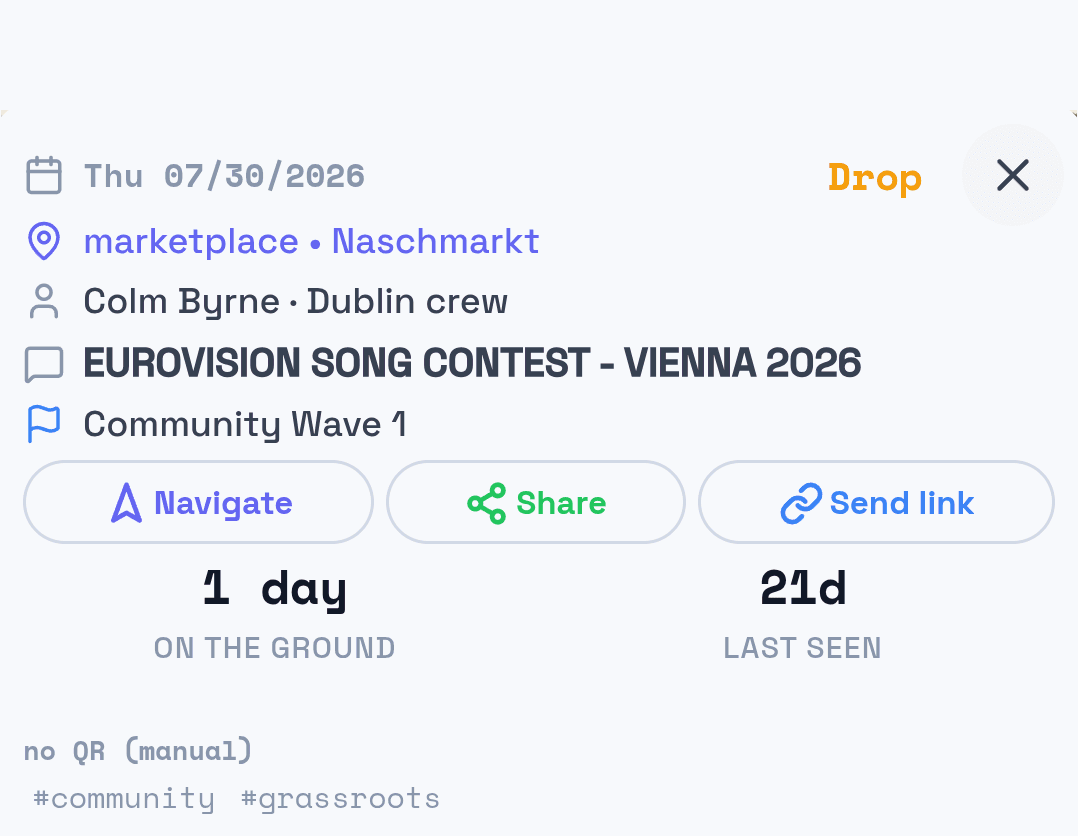
Explore real places in four cities and open two example drops. See how designs and places come together on the map.
Tap a marker or choose a place to explore.
Places to explore (0)
Places come from OpenStreetMap. A listing does not establish permission to post. © OpenStreetMap contributors · ODbL
See the whole plan at a glance.
Follow each campaign across its designs, landing page, video and poll, then open a run to see the places and materials it calls for.
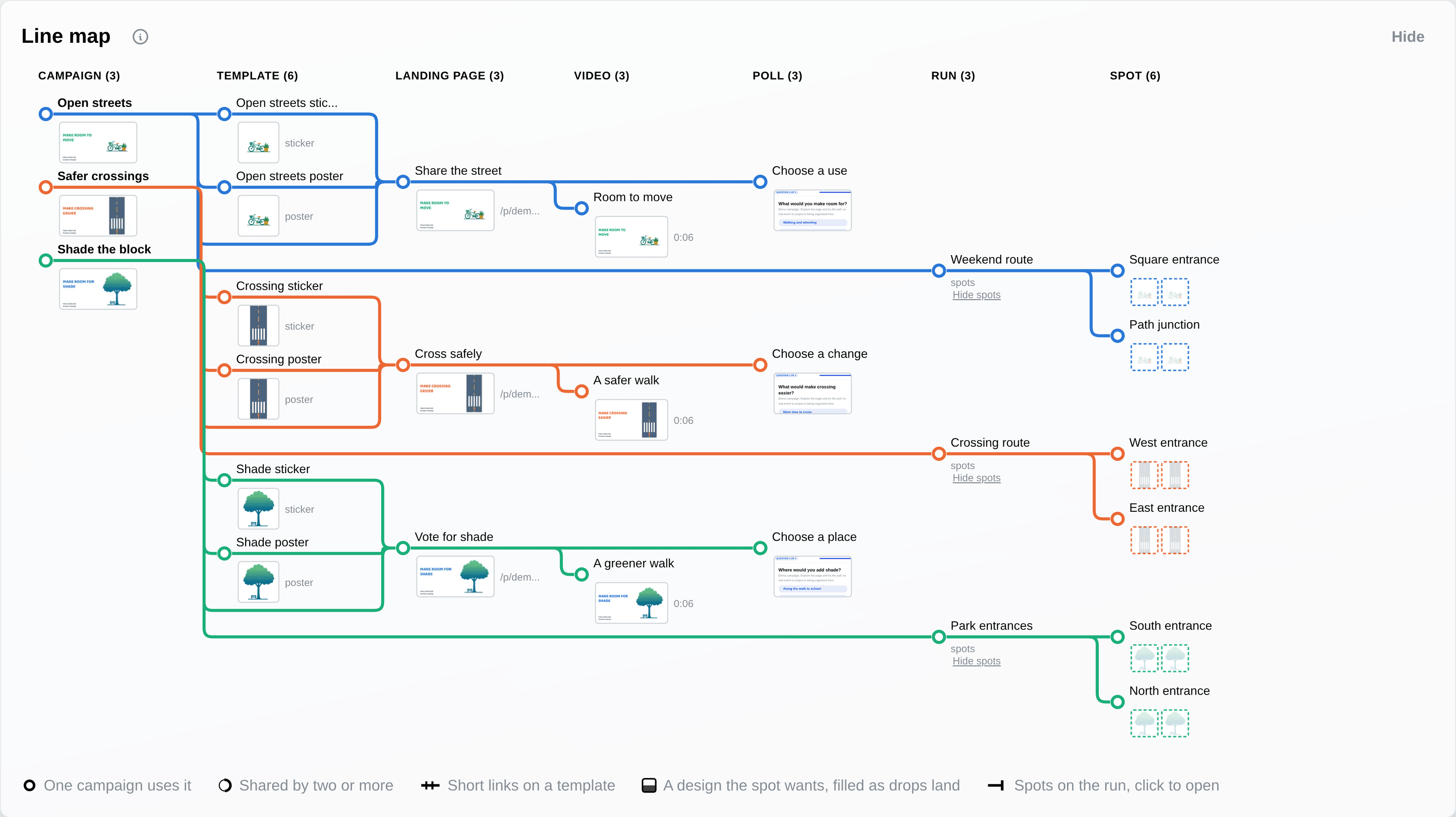
The Line Map shows how the campaign fits together. Drop photos show what went up; QR scans and poll responses show what followed.
From idea to engagement.
Create and publish media, landing pages and polls as one connected campaign. Use analytics from previous campaigns to shape what comes next.
Watch one drop
One drop, from the street into Studio.
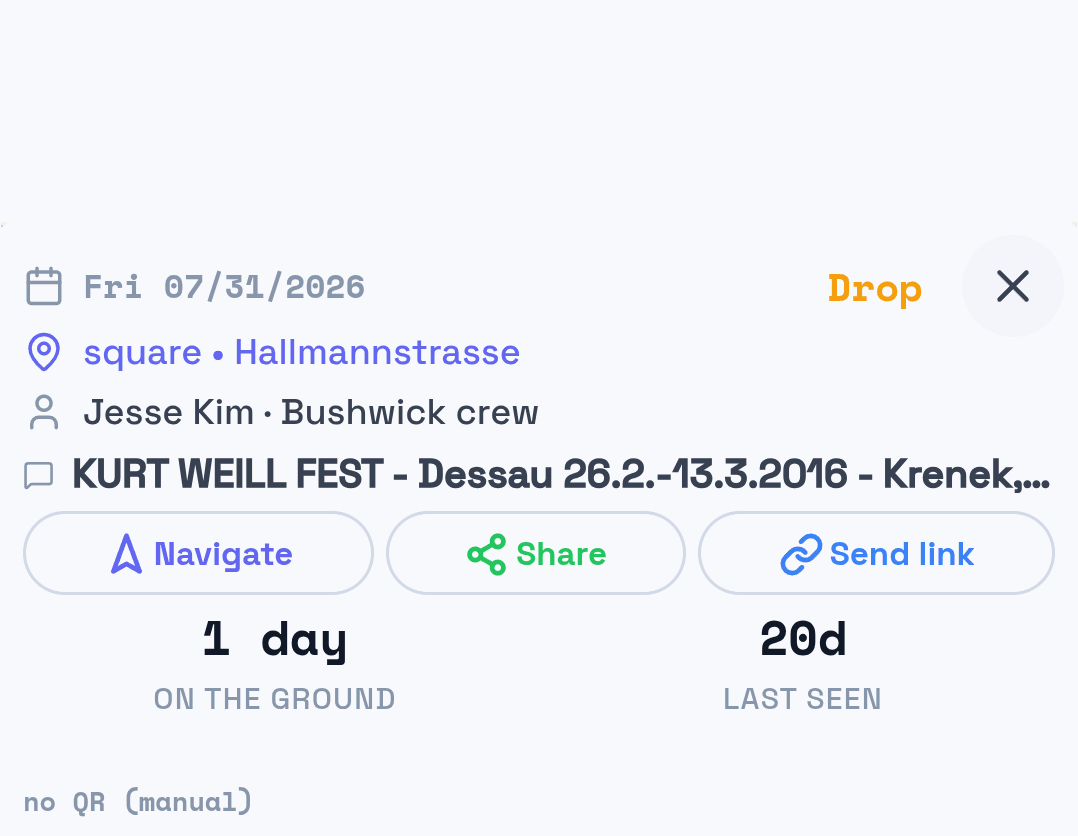
Press play: your crew member logs the placard where it went up, with the photo, the place, and the day. It lands in Studio on the same dashboard that ranks which designs and which cities earned the next run.
Why TraceReach exists
Campaigns are won on the ground, and the ground forgets.
The wall that works, the corner where people stop, the design that gets phones out of pockets: without a record, that knowledge leaves with whoever found it. TraceReach keeps the trail, so each campaign starts where the last one got smart, and a location that has gone quiet is still on the map when you plan the next route.
The trail
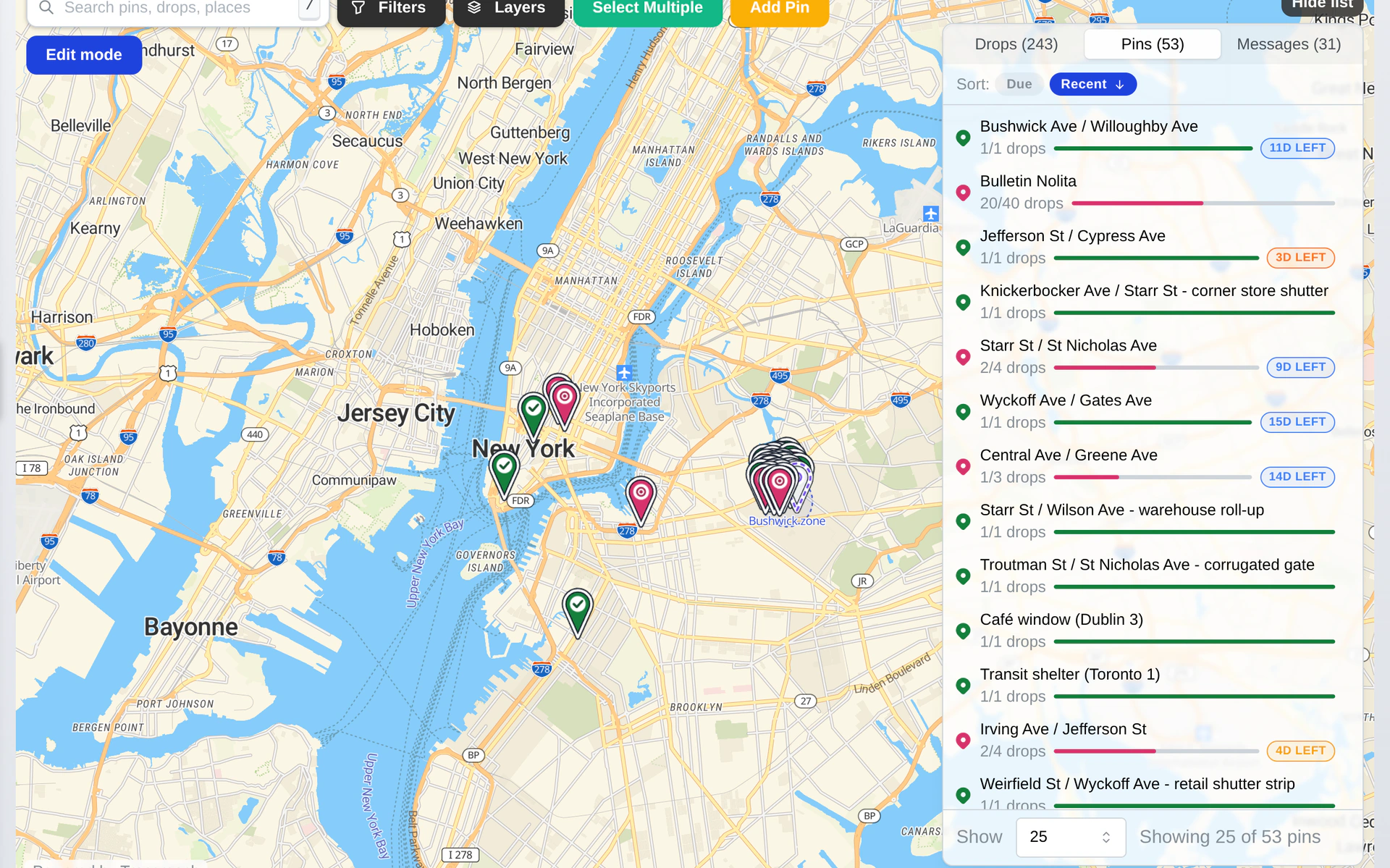
The best locations take the longest to find. Keep them.
A wall that holds a poster, a cafe that takes a stack, a pole everyone passes: your crew earns those one run at a time. Each drop adds to the map, and the next campaign opens on the trail instead of on a blank city.
The ground
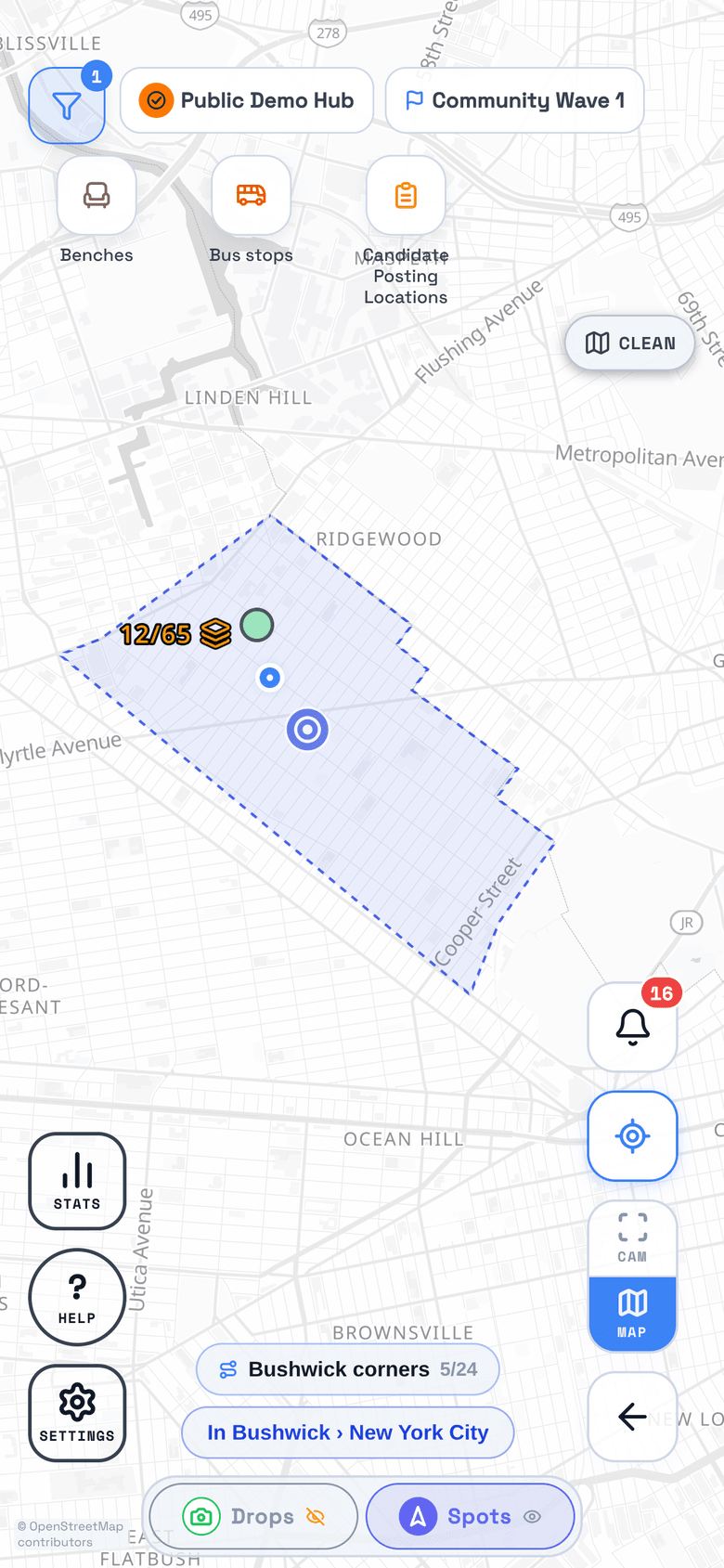
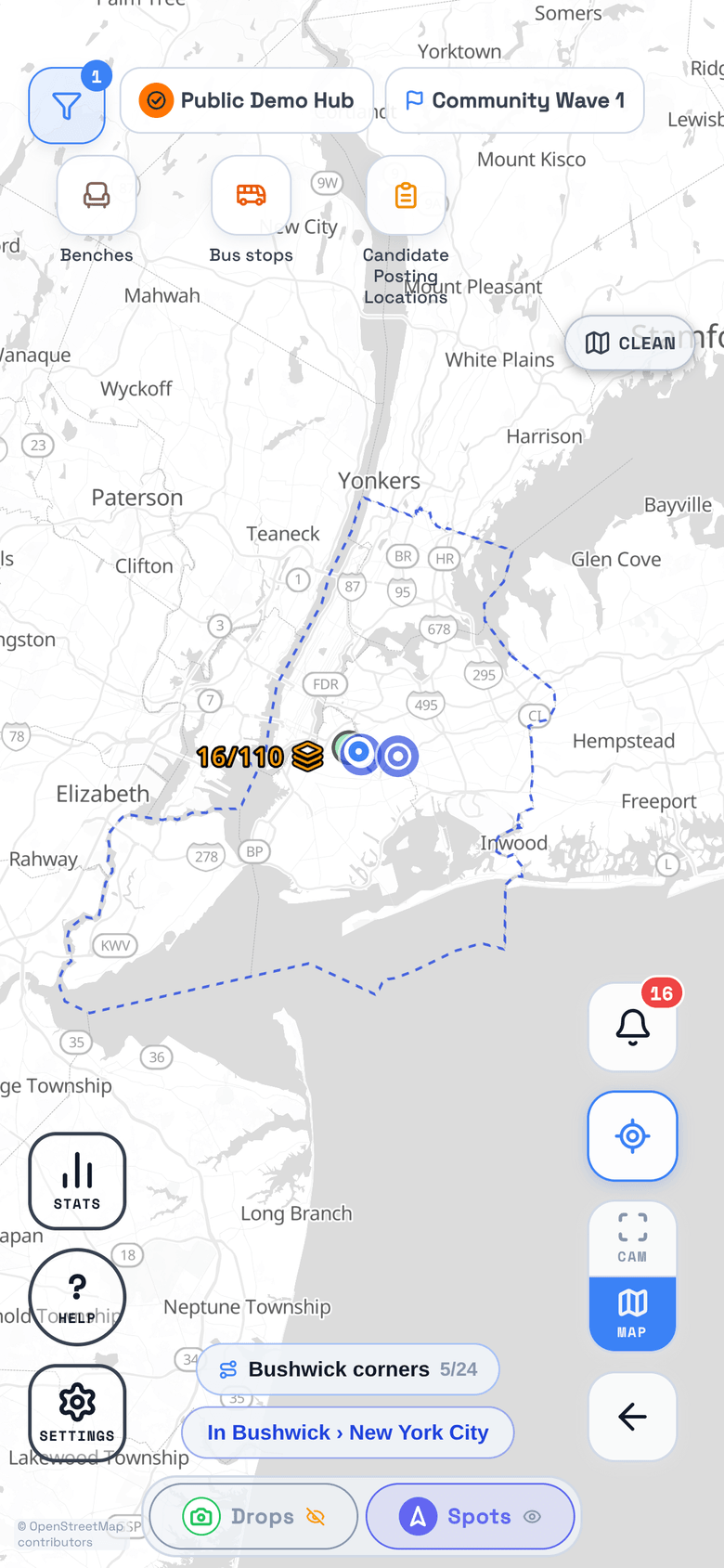
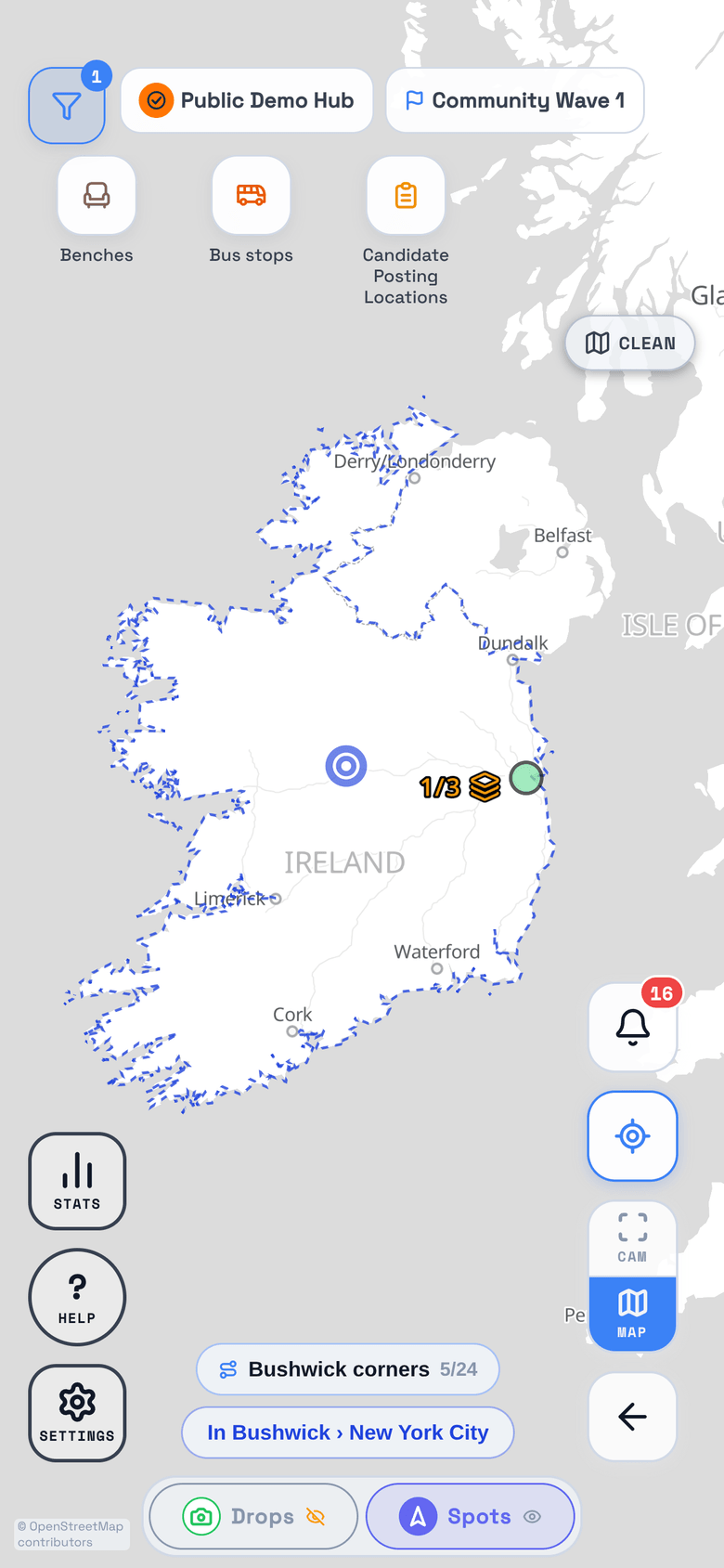
Draw a zone around a real place.
Name the place and the zone takes its boundary: a neighbourhood's blocks, a city out to the water, a whole country. A drop anywhere inside it counts toward the campaign.
The response
See how responses differ by design.
Follow poll answers from the design that brought people in to the choices they made next. Use what you learn to shape the next campaign.
Explore the response
How answers flow
Hover to explore. Tap to keep a branch selected.
Swipe across the chart to follow all three questions.
What do you want to know?
Did the material go up?
See what went up, where, and when, with the photo your crew took standing in front of it.
Track Every DropIs anyone scanning?
Watch scans hit the map as they happen, what people do next, and which corners have gone quiet.
Find Your Hot SpotsWhere do you spend next?
Reprint the design people scanned, retire the one nobody did, and put the next run where the last one worked.
Know Where to SpendYour tools
TraceReach Drop + TraceReach Studio.
Your crew logs drops in Drop. Your team builds in Studio.
TraceReach records where a Drop occurred. A Drop is a logged campaign activity, and its coordinates describe that activity. TraceReach does not continuously track the location or movement of your crew.

TraceReach Drop
Log Drops, canvass stops, handouts, and the rest of the work on the ground as they happen. Each one shows up on the map with the photo to prove it.
From the store
Latest build
Get updates the day we publish them. Store approval can take weeks.

TraceReach Studio
Plan the campaign, hand out the spots, and compare designs and places when the scans come in. Describe the next campaign to the assistant and it puts the campaign, the landing page, and the poll on a plan you preview before anything is created.
Open StudioYour links
Pick the short domain your QR codes live on.

Printed under the code
yourhub. cues.at/shortlink orgs.at/shortlink actfor.us/shortlink rov.to/shortlink
Your hub gets its own subdomain and a tail you name, so the address printed under the code reads as yours and says what it opens.
Your data, your hardware
Your campaign data stays off Google, Amazon,
Microsoft, Apple, and Meta.
Your database, sign-ins, media, maps, and URL redirects all run on infrastructure we rent and operate in the EU.
Full data sovereignty detailsHow it works
Plan the campaign
Set up the campaign, load the designs, and add the spots your crew should hit before anyone heads out.
Track Every DropCoordinate your crew
Your crew puts up posters and stickers, makes canvass stops, and logs each one as a drop. It shows up in Studio while they are still out.
Find Your Hot SpotsWatch the map fill in
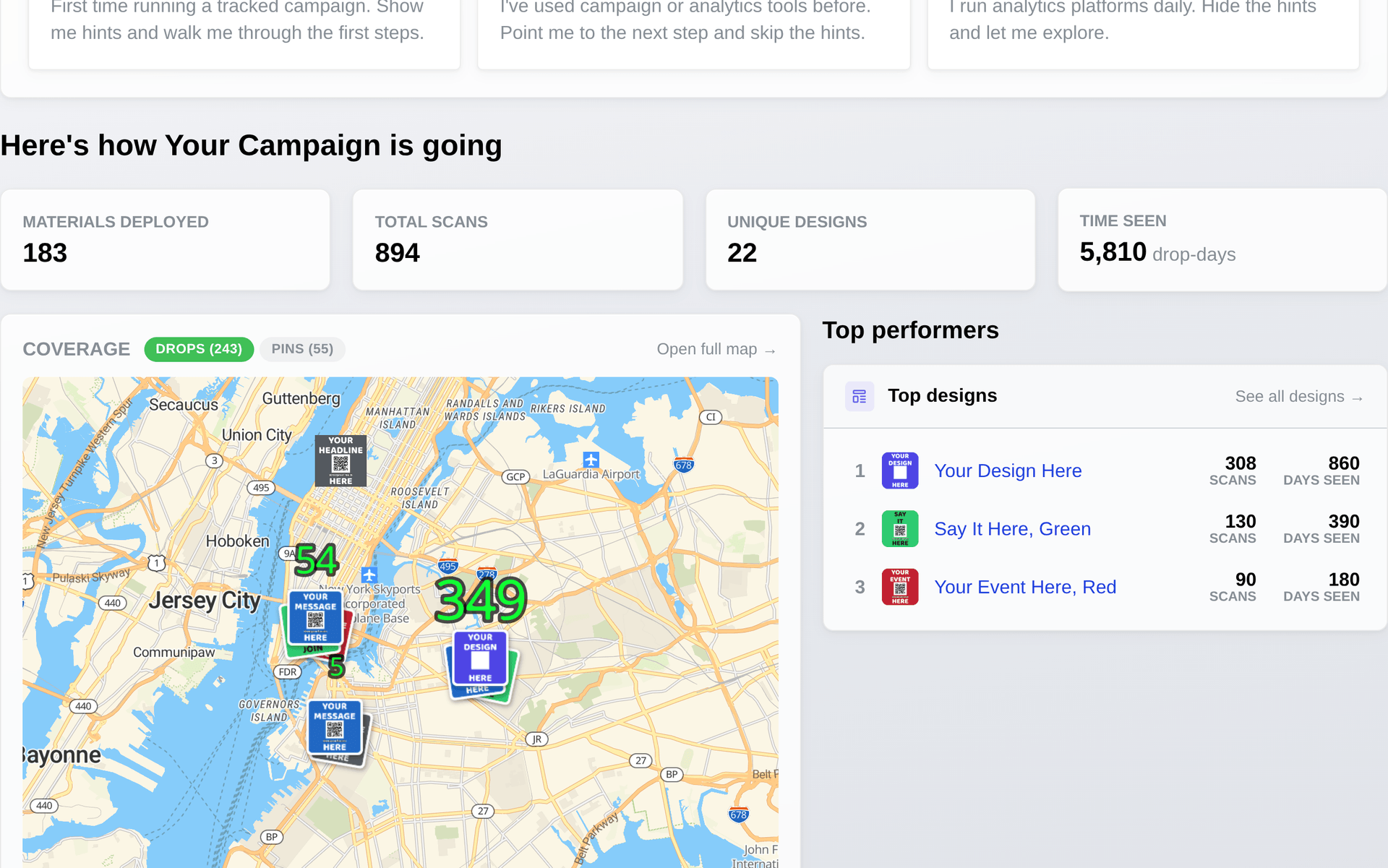
The spots you planned, the drops that came back, and the scans that follow share one live map, so you can see what went up and what people did about it, block by block.
Find Your Hot SpotsImprove the next run
Put this campaign beside the last one, see which designs and places came through, and plan the next run on what worked.
Know Where to SpendRun the whole campaign on one map.
Plan the drops, get the photo proof as it happens, and read the scans design by design.