Now accepting organization applications. Get started

Track Every Drop

Did the material go up? Where? When?

GPS-locked photos accurate to ~3 meters at each site. Coordinates, timestamps, and a photo you can check from your desk.

“Did the drop happen?”

See where and when

GPS-locked photos, accurate to ~3 meters. Location locks at the moment the shutter fires.

  • Device must be at assigned coordinates
  • Geofence rejects drops outside the zone
  • No retroactive tagging or metadata tricks
9:41
GPS LOCKED
51.5121°N, 0.1403°W
±2.4m · 3:42 PM

“Each drop ties to a campaign and a location”

Scan the code, take the photo

A drop links to a campaign, a site, and a time window. The material, the location, and the data all connect. Hard to fake.

9:42
Scan QR Code

Point at the QR code on the material

~3 meters

That's how precise each drop is.

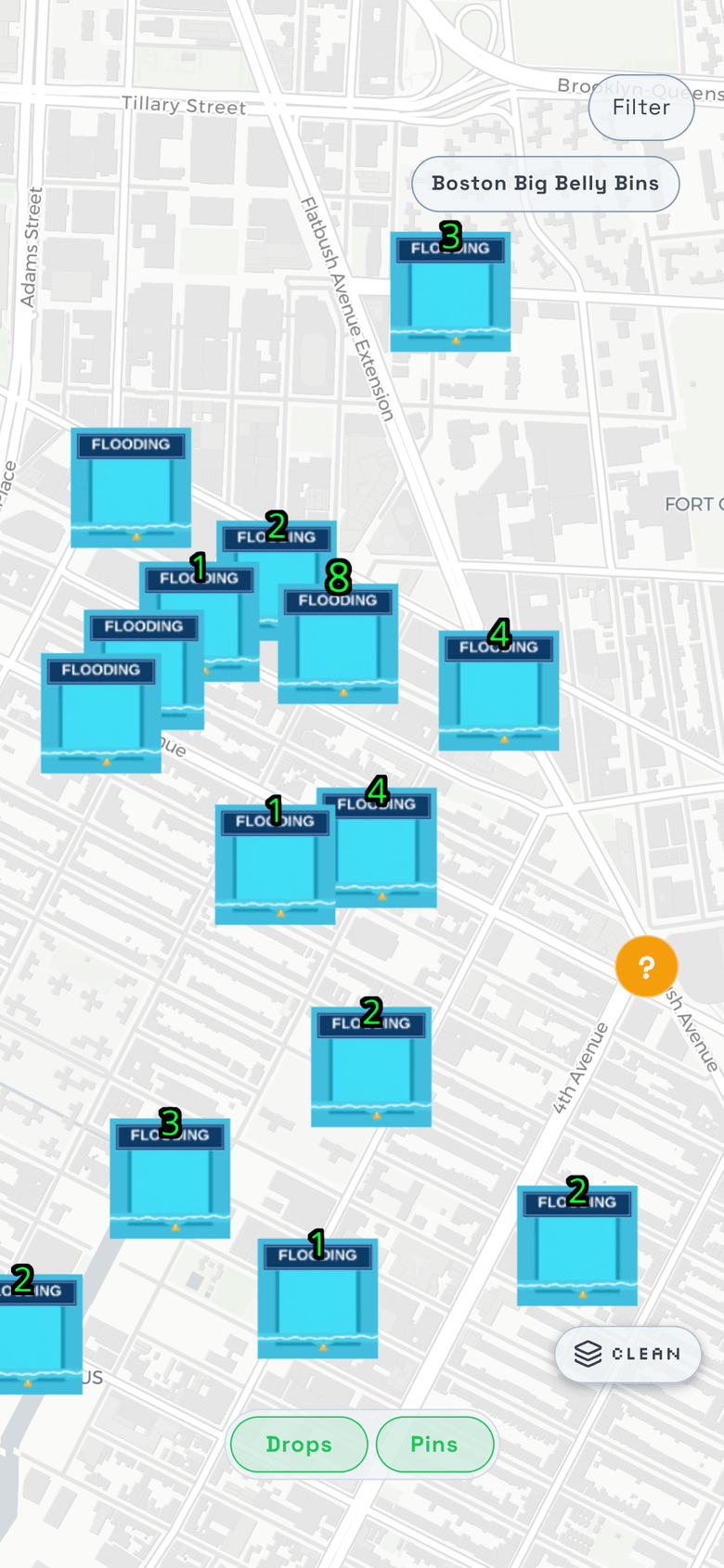
Every drop records exact latitude and longitude at the moment the photo is taken. On the map, you see each one as a pin — not a city or a zip code, but the specific spot on the specific street.

Live map — 4 drops on Regent Street, London
51.5118°N, 0.1407°W sticker · 2h ago
51.5121°N, 0.1403°W poster · 2h ago
51.5124°N, 0.1398°W flyer · 1h ago
51.5127°N, 0.1394°W yard sign · 4d ago

“Coordinating dozens of locations”

Spots: pin, assign, track

Pin a location on the map, name it, assign it to someone. Your team sees where to go. You see who's done and who hasn't, on one map instead of spreadsheets and group chats.

Preview Campaign Studio
9:43 My Spots
5th & Main
Oak & Elm
Train Stn
Park Ave
·
Library
Done Assigned Pending

“Did the material actually go up?”

Each drop leaves a trail

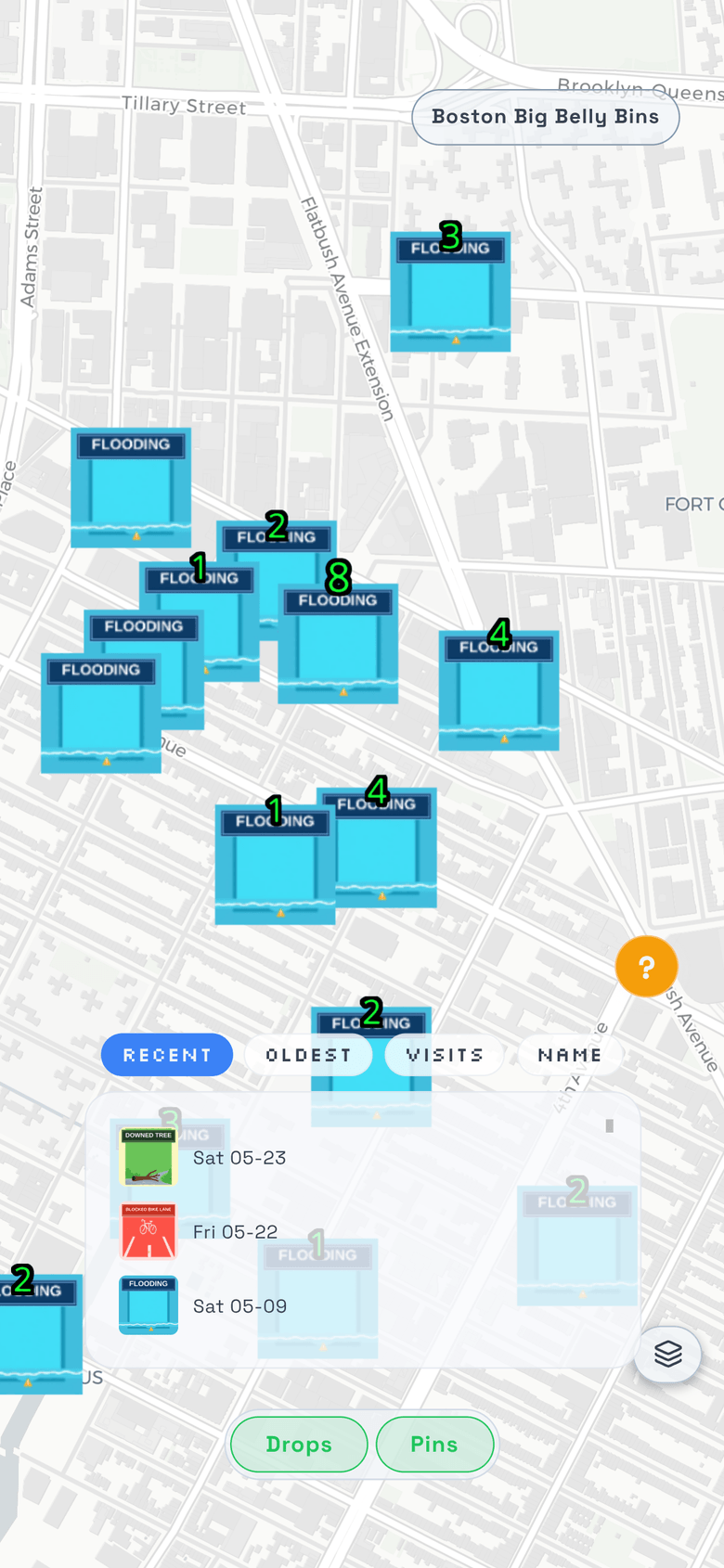
A drop carries a timestamp, GPS coordinates, and a photo. You can see what was done, where, and when. So can anyone you share it with.
9:44 Drop History
5th & Main
Poster · 3:42 PM
51.5121°N
Oak & Elm
Sticker · 2:18 PM
51.5089°N
Train Station
Flyer · 1:55 PM
51.5134°N
Park Ave
Yard Sign · 12:30 PM
51.5102°N
Library
Poster · 11:15 AM
51.5098°N

Geofence

The drop has to happen at the assigned location.

Strict mode rejects captures taken outside the zone. Soft mode accepts but flags for review. You choose the trust level per org.

Strict: reject outside zone Soft: flag for review

“Running a weekend street team?”

Missions and work orders

Create a mission, assign locations to field workers, track completion, export the audit trail.

  • Assign work orders to specific people
  • Track state transitions per task
  • Export audit trail as CSV
studio.tracereach.app
Spring Push · Work Orders 12 of 20 done
Alex 5th & Main Done
Jordan Oak & Elm Done
Sam Train Station In field
Casey Park Ave In field
Morgan Library Assigned
Riley City Hall Assigned

“No signal in the subway? No problem.”

Offline capture, auto-sync

The app queues drops when there's no connection. Photos, GPS, timestamps all captured locally. When signal returns, the queue syncs automatically.

9:45 Upload Queue
Offline · 3 queued
Subway entrance 2:12 PM
Queued
Platform pillar 2:08 PM
Queued
Turnstile wall 2:03 PM
Queued
Bus shelter 1:45 PM
Synced
Newsstand 1:30 PM
Synced

“Onboarding 30 people for the weekend?”

Code-based signup, leaderboards

Generate an access code, hand it out, they're in. No email signup, no invitations. Then watch the leaderboard.

  • One code per field worker
  • Team leaderboards by drops and coverage
  • Photo review and approval from the app
studio.tracereach.app
Leaderboard · This Week Spring Push
🥇 Alex 47 94%
🥈 Jordan 38 86%
🥉 Sam 31 72%
4 Casey 24 68%
5 Morgan 19 54%
6 Riley 12 40%

TraceReach is operated by TraceReach LLC.

Now see which actions each design drives.

Post-scan actions, dashboards, and proof that holds up.